Edition: A03 September 6, 2018
11
【Adaptive screen】: Display canvas size in 1:1 ratio.
Click 【Tools】again for the toolbar to be hidden.
3.1.3 New Text Message
Tips:
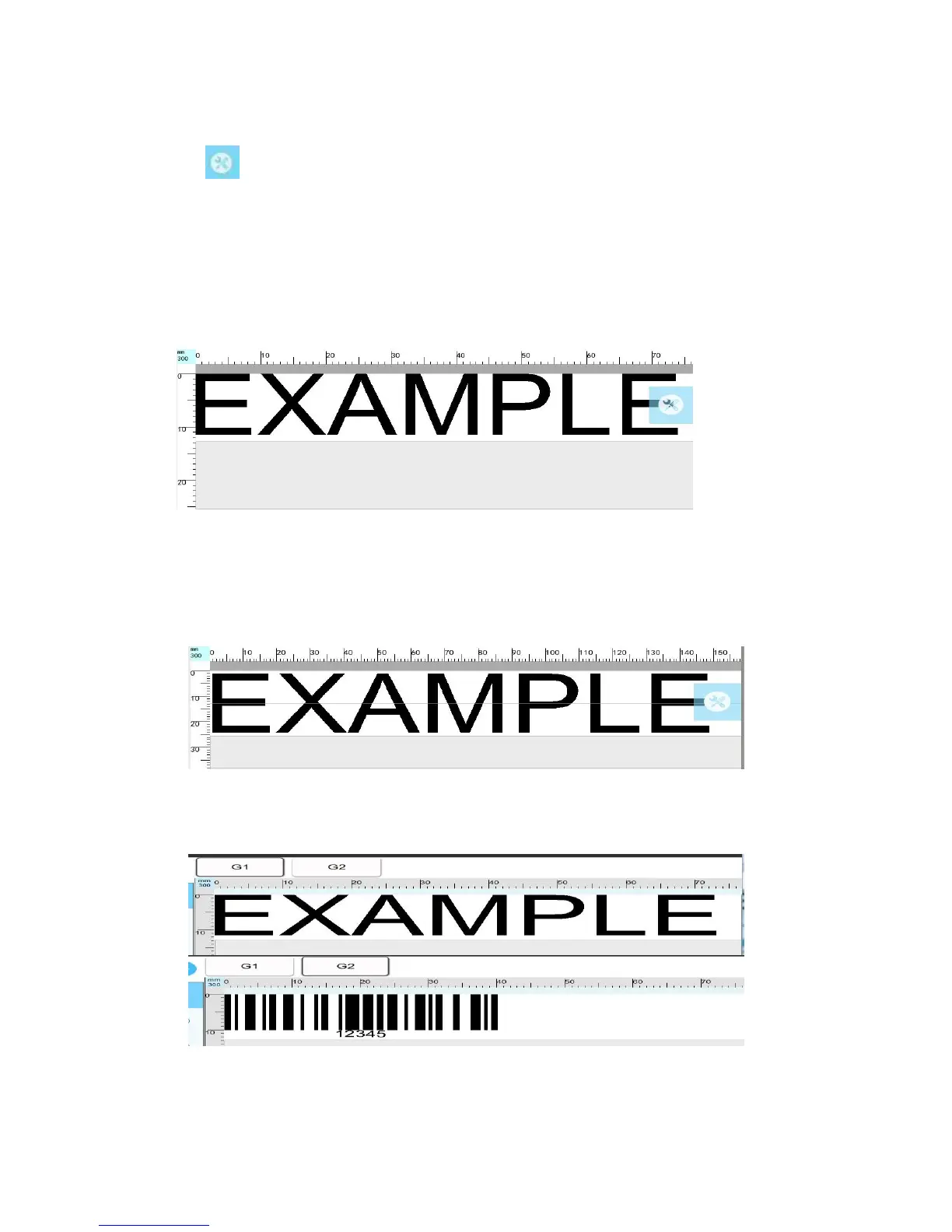
At single print head P1/P2 mode, there is only one line on the message interface up to 12.7mm
message can only use one print head to print.
2. At P1P2 combined mode, the message interface switches to two lines automatically
divided by a line in the middle to indicate crossover between the print heads. The first line is printed
by print head 1 and the second line is printed by print head 2.
3. At P1P2 separate mode, P1 and P2 objects can be created and printed separately
corresponding to G1 & G2 interface.
3.1.3.1 New Objects - Standard mode
[Message] > [New] > [Object list] > [Add] > [Text objects, barcode objects, image objects]
1) Text object: The default display text content (EXAMPLE TEXT)



 To Next Page