Edition: A03 September 6, 2018
9
3 Function Use Introduction
3.1 Message Management-Standard Mode
3.1.1 Message List
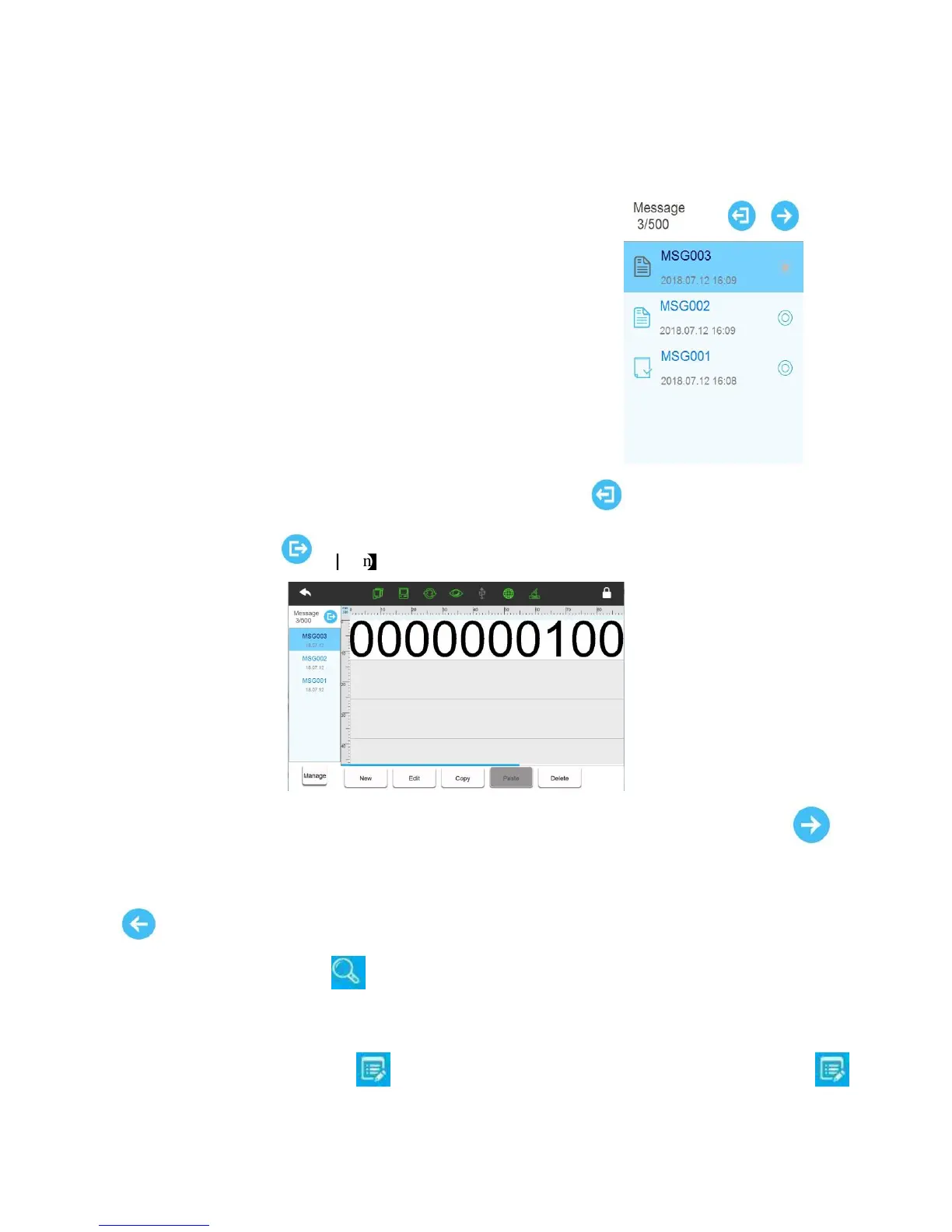
Click【Message】>【List】.
List mode switch: Display message in default listing, click 【Icon】, and switch to simple
display mode; Click
Expand list width: If the message name is long, and the list displays incomplete, click 【
Unfold】button for the list width to be expanded. It will then display complete message names; Click
【Recovery】again to return to default display width.
Search message: Click 【Search】, then popup search input box, enter keywords to match
searching, then list will show exact message; After clear input box, list will display all messages.
Message management: Click 【Manage】to popup message management options; Click
【Manage】again to hide message management options.



 To Next Page