Edition: A03 September 6, 2018
51
3.7.3 Encoder information
Encoder icon
Displays green: The printer is connected with an encoder.
Displays grey: No encoder connected.
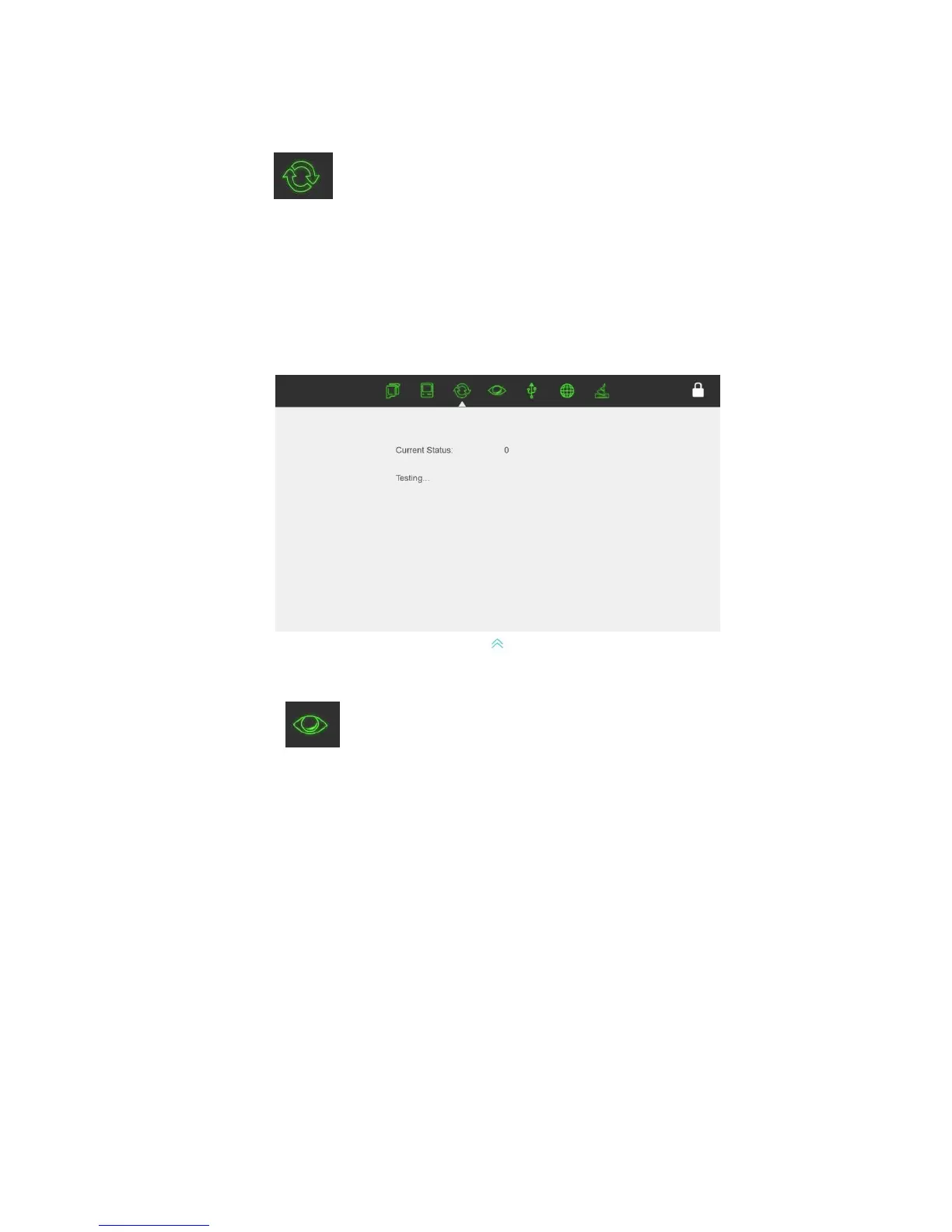
Encoder test
Displays encoder connection status. Once the encoder is connected, click the encoder icon as
seen in the image below for the encoder signal test interface to appear.
3.7.4 Photocell information
Photocell Icon
Display green: The printer is connected with an external photocell.
Display grey: No external photocell connected.
Photocell test
Displays photocell connection status when the photocell is connected. Click the photocell icon
as seen in below image for the photocell signal test interface to appear.
Currents Status: Press the print switch for the current status to appear OPEN, release the print
switch for the current status to display OFF.



 To Next Page