Edition: A03 September 6, 2018
40
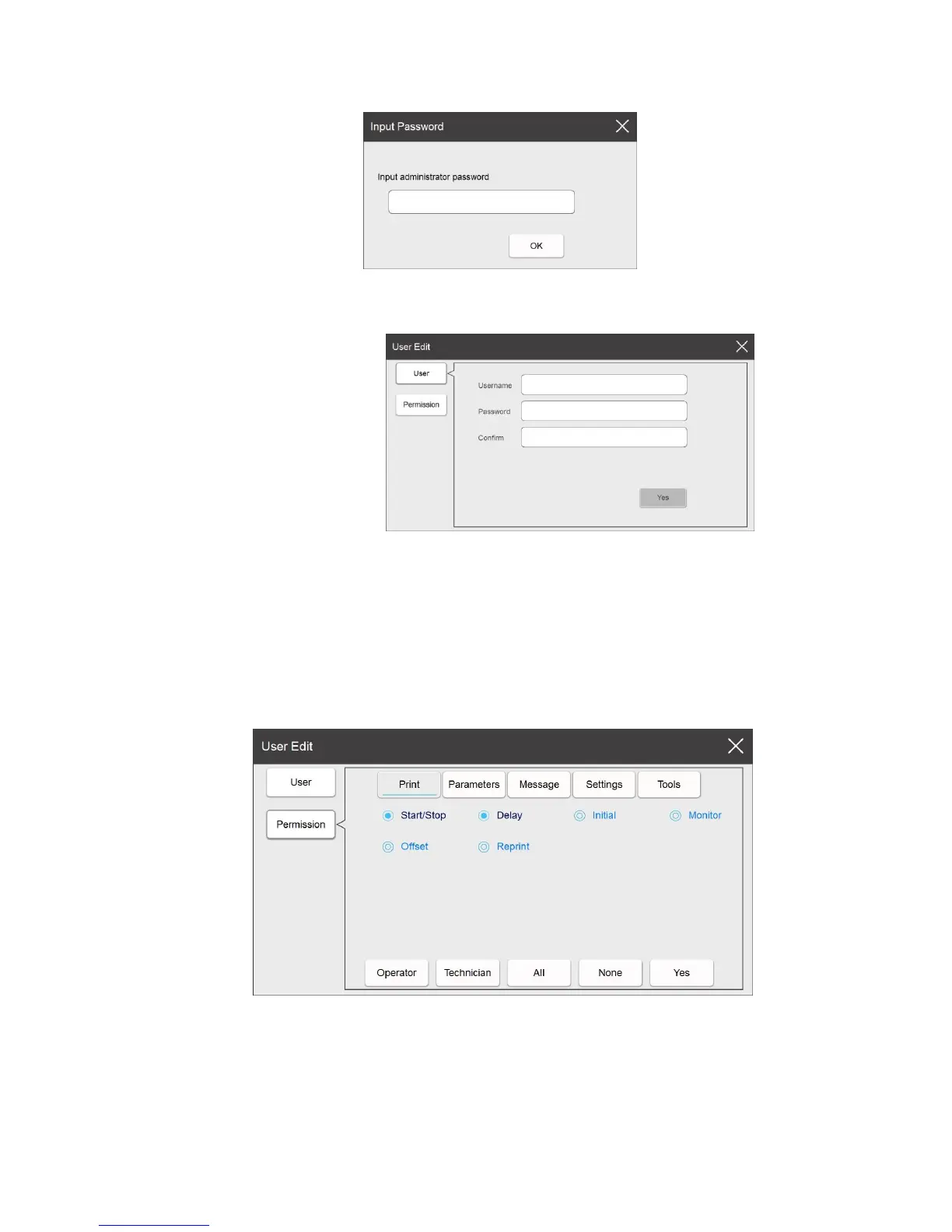
Create new user
After opening the user management feature, click New to create a new user.
Create user information
User name: You can input English characters or numbers for the username,
however there can be no more than 30 characters, and can't be left empty.
Password: You can set the password with English characters, numbers or symbols.
No more than 15 characters.
Confirm password: Please re-input the password to ensure it was entered correctly.
Create new user permission
Select permission on the left to enter the new user permission settings page.
It has 6 rights for new users.



 To Next Page