CONTENTS
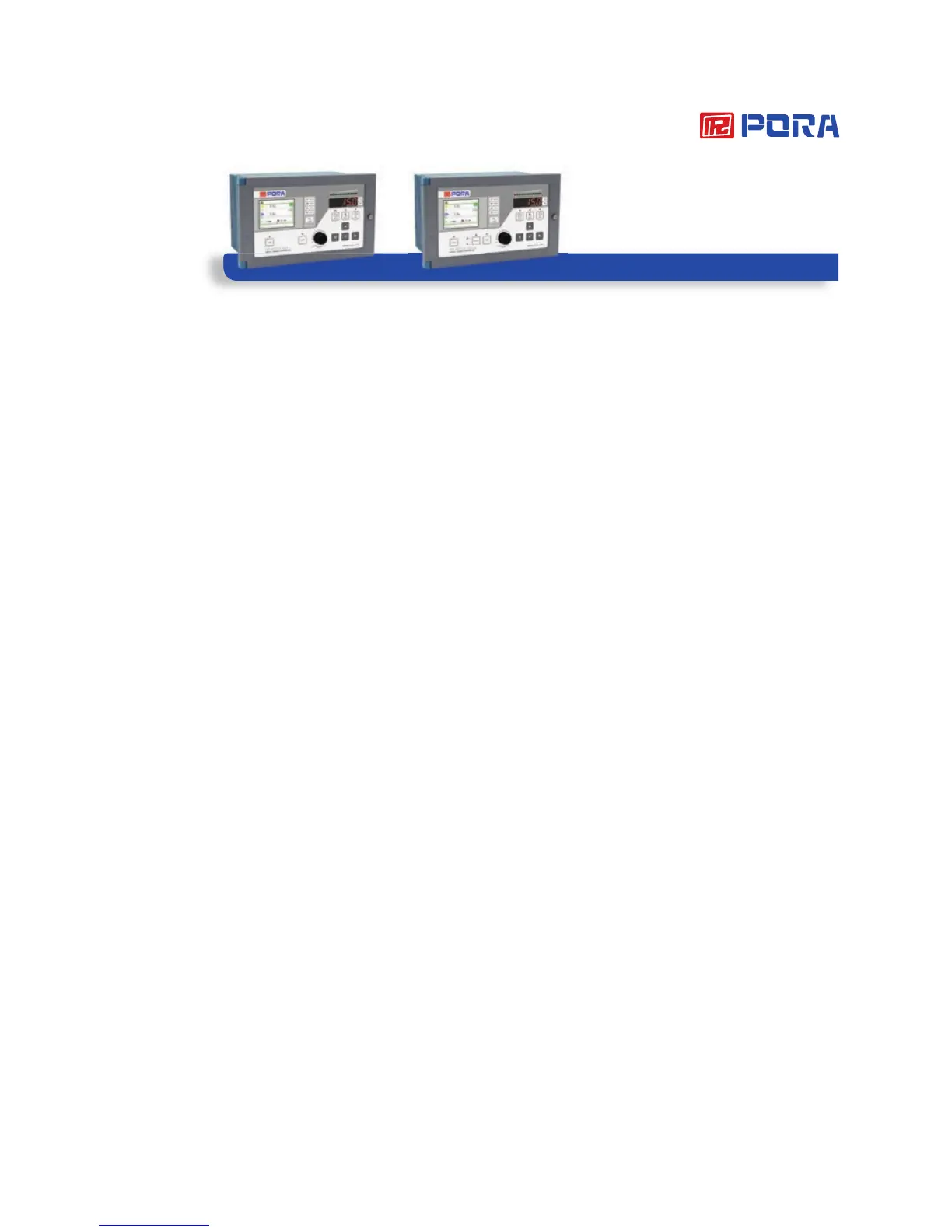
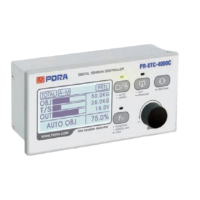
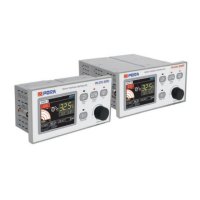
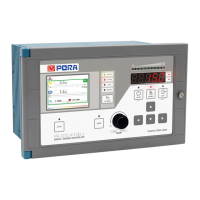
Tension Controller
PR-DTC-4100.A
PR-DTC-4100.AD
CONTENTS
Product Characteristic & Precautions ...............3
Before Use .............................................................4
1. Dimensions .........................................................4
2. External connection diagram .........................5
3. Product installation & Wiring...........................6
4. Product Specifications ....................................10
5. Compatible Sensor ...........................................10
6. Guidance on operating part ...........................11
7. Guidance on Display .......................................13
Working & Operation.............................................19
1. Manual/Automatic mode .................................19
2. Setting zero .........................................................20
3. Span Setting .....................................................20
4. Tension calibration (Scale setting) .................21
5. A, B Output switch .........................................22
6. P·I·D Sensitivity setting .............................23
7. Button lock function .........................................24
8. Remote function ................................................24
Setting ......................................................................25
Guidance on a button to be used when setting
a menu ....................................................................25
The way of setting ...............................................26
1. BASIC SET ..........................................................28
2. TENSION CALIBRATION ..................................28
3. TENSION CONTROL ........................................29
4. CONTROL OUTPUT .........................................30
5. PID SET ...............................................................31
6. ANALOG INPUT SEL........................................31
7. ANALOG INPUT SET .......................................32
8. LINE SPEED .......................................................33
9. TAPER ..................................................................34
10. ANALOG OUTPUT..........................................35
11. DIGITAL INPUT ................................................35
12. DIGITAL OUTPUT ............................................36
13. FILTER ...............................................................36
14. USER SET ........................................................37
15. DISPLAY ............................................................38
16. INTERFACE CHECK .......................................38
Using communication ..........................................39
1. Can 2.0A .............................................................39
2. Modbus-RTU (RS-232) .................................40
3. Hyper Terminal (RS-232) ...............................42
4. Ethernet (※Option) ...........................................42
5. Profibus-DP (※Option) ...................................42
The rest ....................................................................43
1. Sheet for recording internal setting ..............43
2. Checking abnormalities ...................................46
3. Table for standard of tension .........................47


 To Next Page