User’s Manual 6
2. Getting Started
This chapter describes the TPC7050 physical characteristics, how to install and charge the
batteries, how to remove and replace the strap assembly and how to start the TPC7050 for the first
tim
e.
2.1 Check the package
Carefully remove all protective material from around the TP C 7050 and save the shipping
container for later storage and shipping.
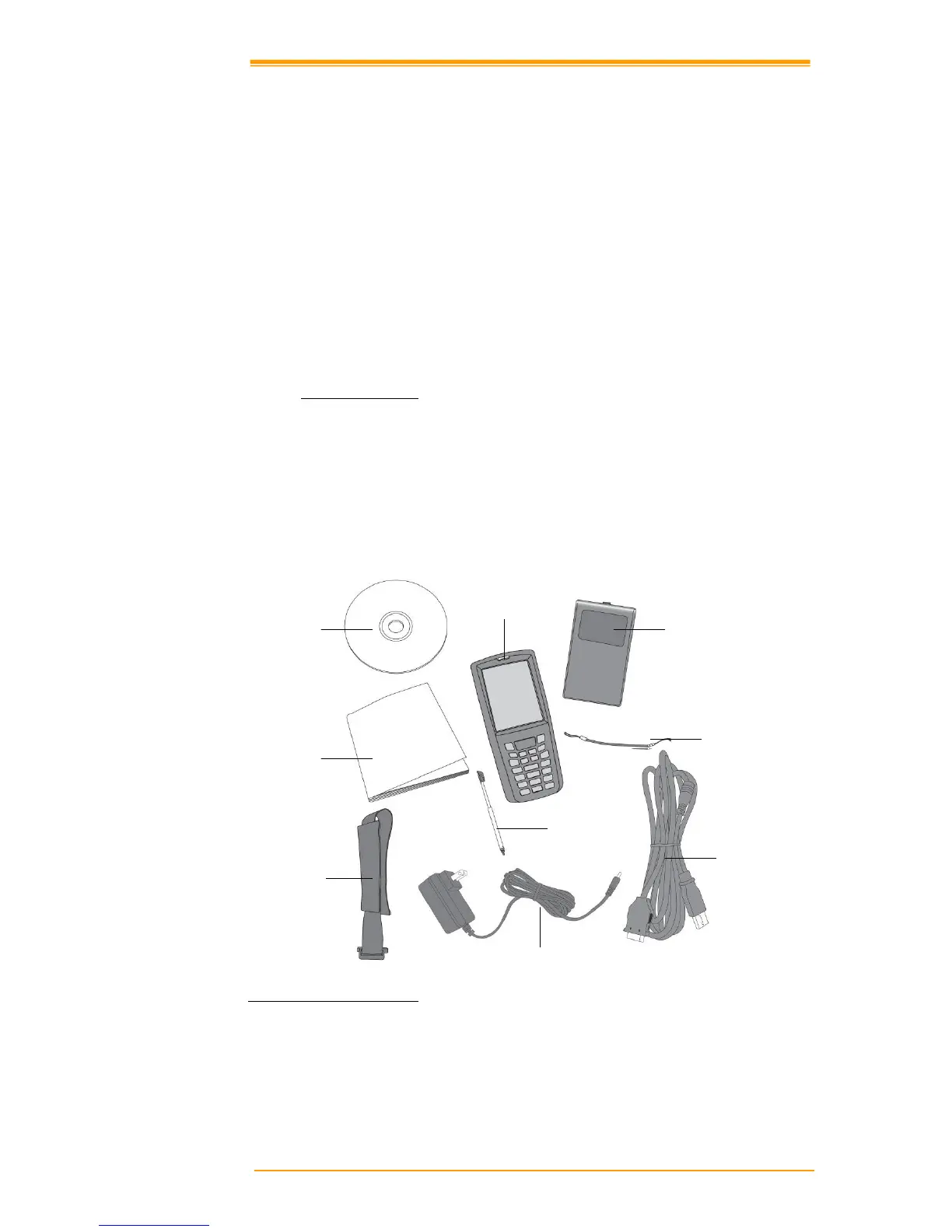
Depending on the configuration ordered, the TPC7050 shipping container may include:
2.1.1 Compact Package
" TPC7050 "
Quick Reference Guide
" Battery p
ack " CD ROM
" USB Sync cable " Thread
" Power supply " Stylus
" Hand strap
Figure 2-1 Compact Package
Battery pack
Thread
USB Sync cable
Power supply
Hand strap
Stylus
Quick Reference
Guide
CD ROM
TPC7050



 To Next Page