User’s Manual 38
6. Software Applications
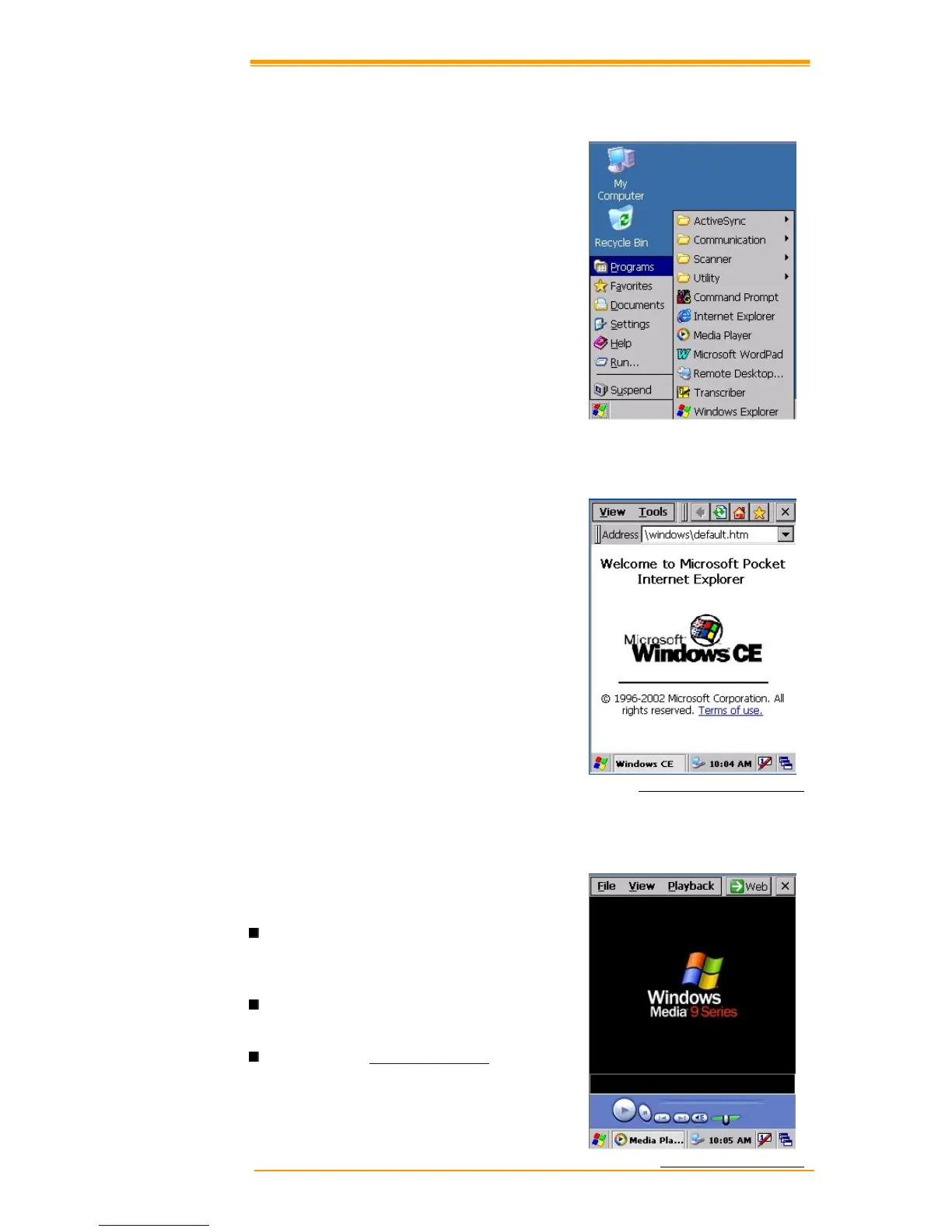
The TPC7050 includes software applications
such as Internet Explore, Media player,
Microsoft WordPad, Remote Connection,
Transcriber, and Windows Explore.
6.1 Internet Explorer
With Internet Explorer, you can view Web or
intranet Web pages on your device. You will
need to use WLAN to connect to an Internet
server provider (ISP) or network.
Figure 6-1 Internet Explorer
6.2 Media Player
The TPC7050 comes with Media Player for
Windows CE.NET installed.
Open Media Player by selecting Start"#
Programs" # Media Player from the
desktop.
Select File"# Open to open a new media
file.
Please refer to www.microsoft.com for
additional information and help with
your Microsoft Windows Media Player.
Figure 6-2 Media Player


 To Next Page
 Loading...