User’s Manual 50
8.3 Setting up the TPC7050
You can set up various configurations of the TPC7050 such as date/time, Network, Display,
Vol
ume, Power, System, etc. at the control panel.
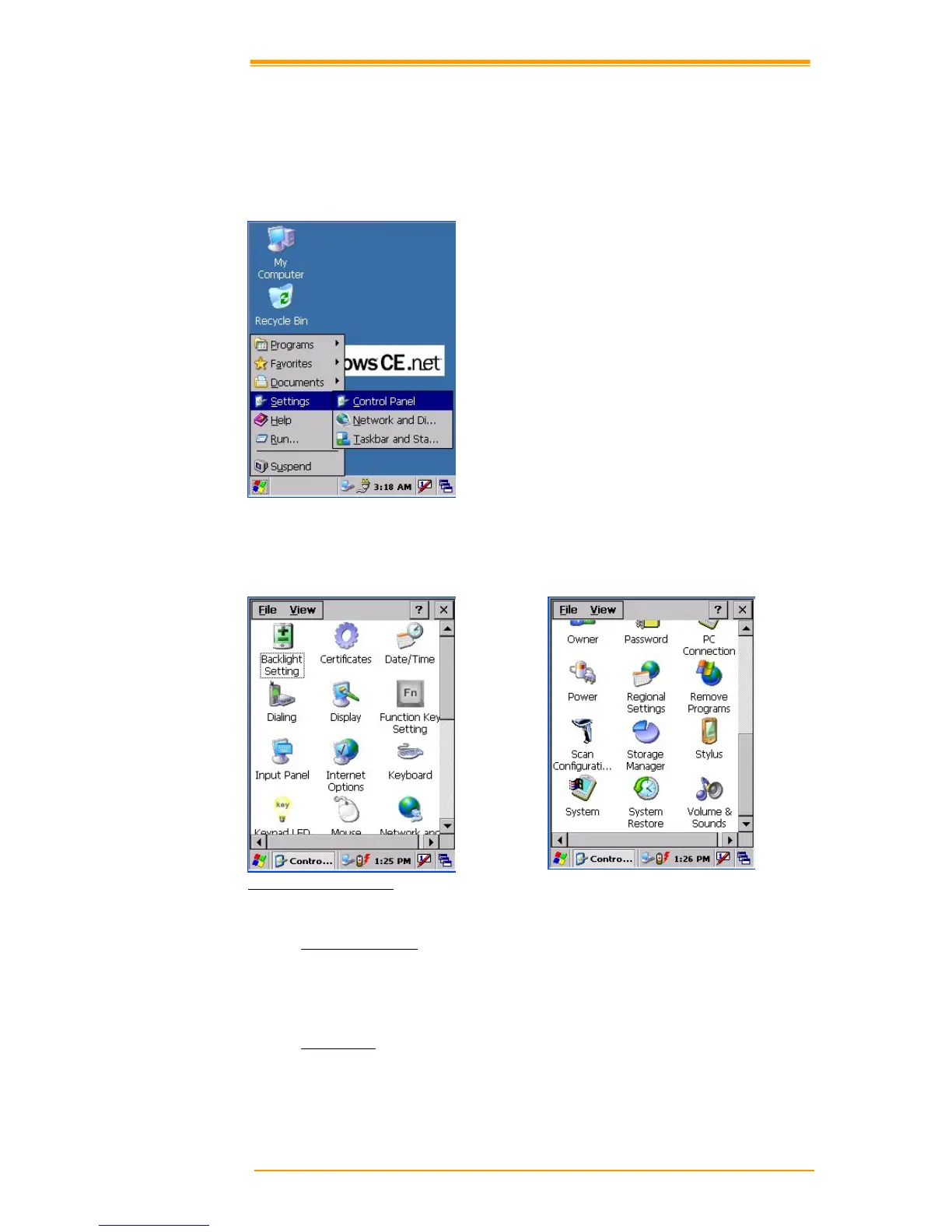
If you press Start"# Setting"# Control Panel, the control panel window appears. In the View
option in the menu, you can change the view mode into large icons, small icons, details or to
arrange icons. The control panel appears as below:
Figure 8-6 Control Panel
8.3.1 Backlight Settings
Please refer to the previous section on Backlight Setting.
8.3.2 Certificates
Application programs use certificates to ensure reliability and safe communication.



 To Next Page