User’s Manual 32
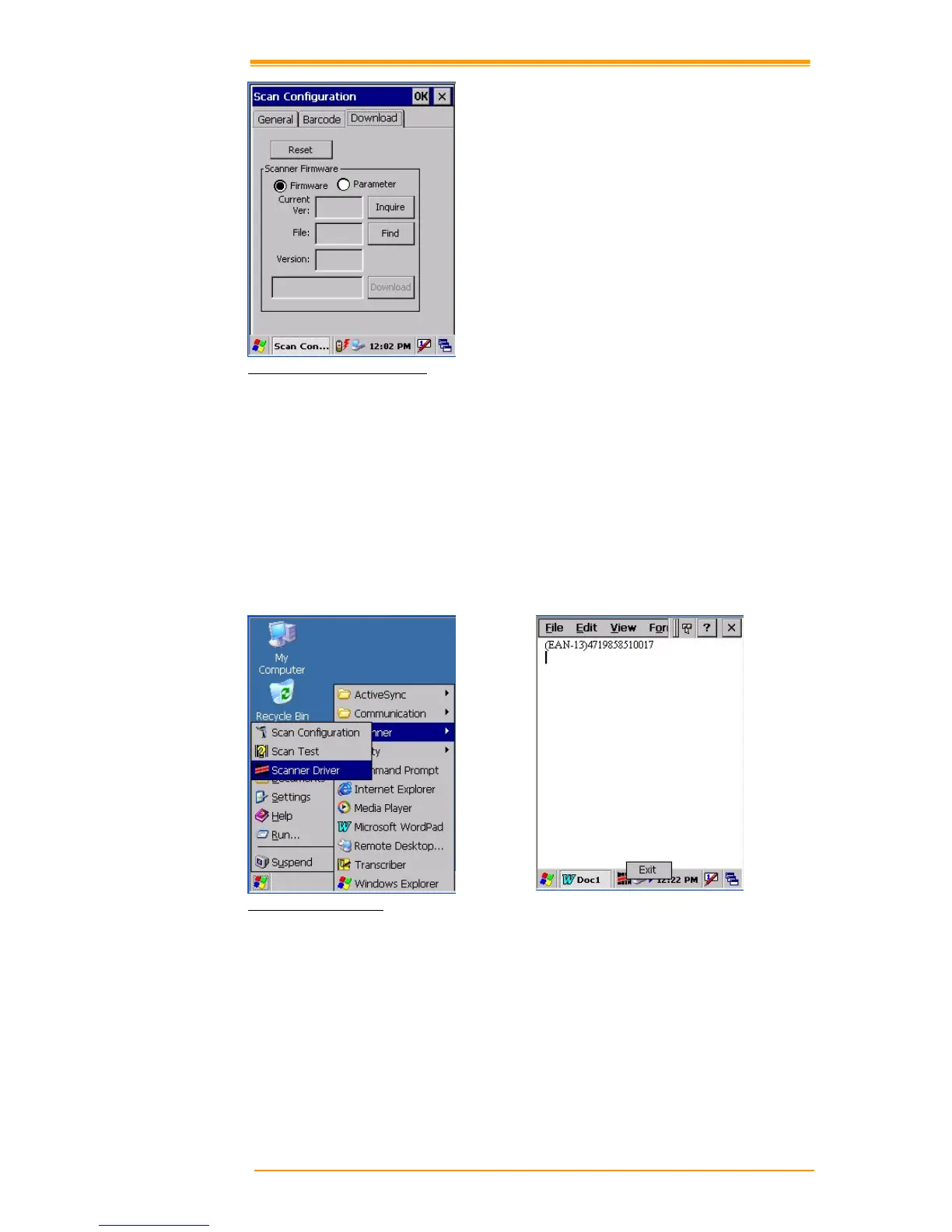
Figure 4-1 Scan Configuration
After you change settings, go to the “Setting” page and press the “Commit” button to
configure, or press “Reset” to return to the scan default settings. The “Download” page allows
you to update scan firmware.
4.2 Scan driver
Scan driver lets you put data into Microsoft Wordpad. Open scan driver and the scan module
powers on the scanner. You can then scan barcode. To turn off the power, press “Exit” on the
task bar.
Figure 4-2 Scan Driver
4.3 Scan test
The TPC7050 has a built-in Scan Test.exe program that allows you to test the barcode scan
function. Scan Test.exe is located in directory \Programs\Scanner\Scan Test.exe.
This program shows barcode type and barcode data when pressing the “Scan” key.



 To Next Page