User’s Manual 20
3.3 Install CF and SD card
Caution:
Make sure you have fully charged the battery before turning the unit on.
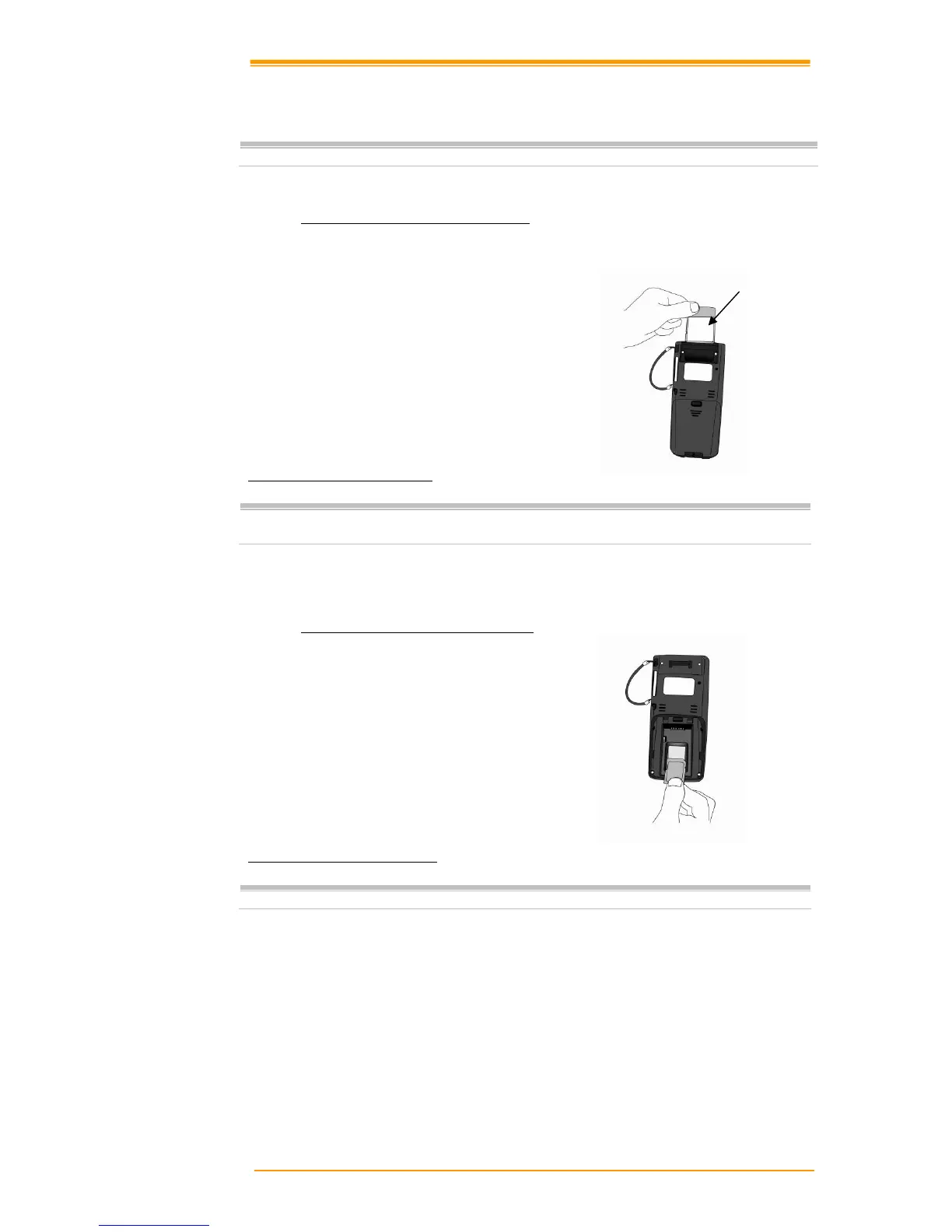
3.3.1 Inserting a CF Card into the TPC7050
1. Open the CF slot cover with a screw driver.
2. Insert a correctly oriented CF card.
3. Close the CF slot cover and fix two screws.
Figure 3-2 Inserting a CF Card
Note:
If the CF card is inserted incorrectly, the CF card unit and its internal data maybe
damaged.
3.3.2 Inserting an SD card into the TPC7050
1. Open the battery cover.
2. Take out the battery pack.
3. Insert a correctly oriented SD card.
4. Insert the battery pack.
5. Close the battery cover.
Figure 3-3 Inserting an SD Card
Note:
When removing an SD card, please press “push” first.
Insert the CF card face side down



 To Next Page