User’s Manual 58
8.3.10 Keypad LED
Refer to the previous section on Keypad LED Setting.
8.3.11 LCD PWM Setting
Refer to the previous section on Power Management.
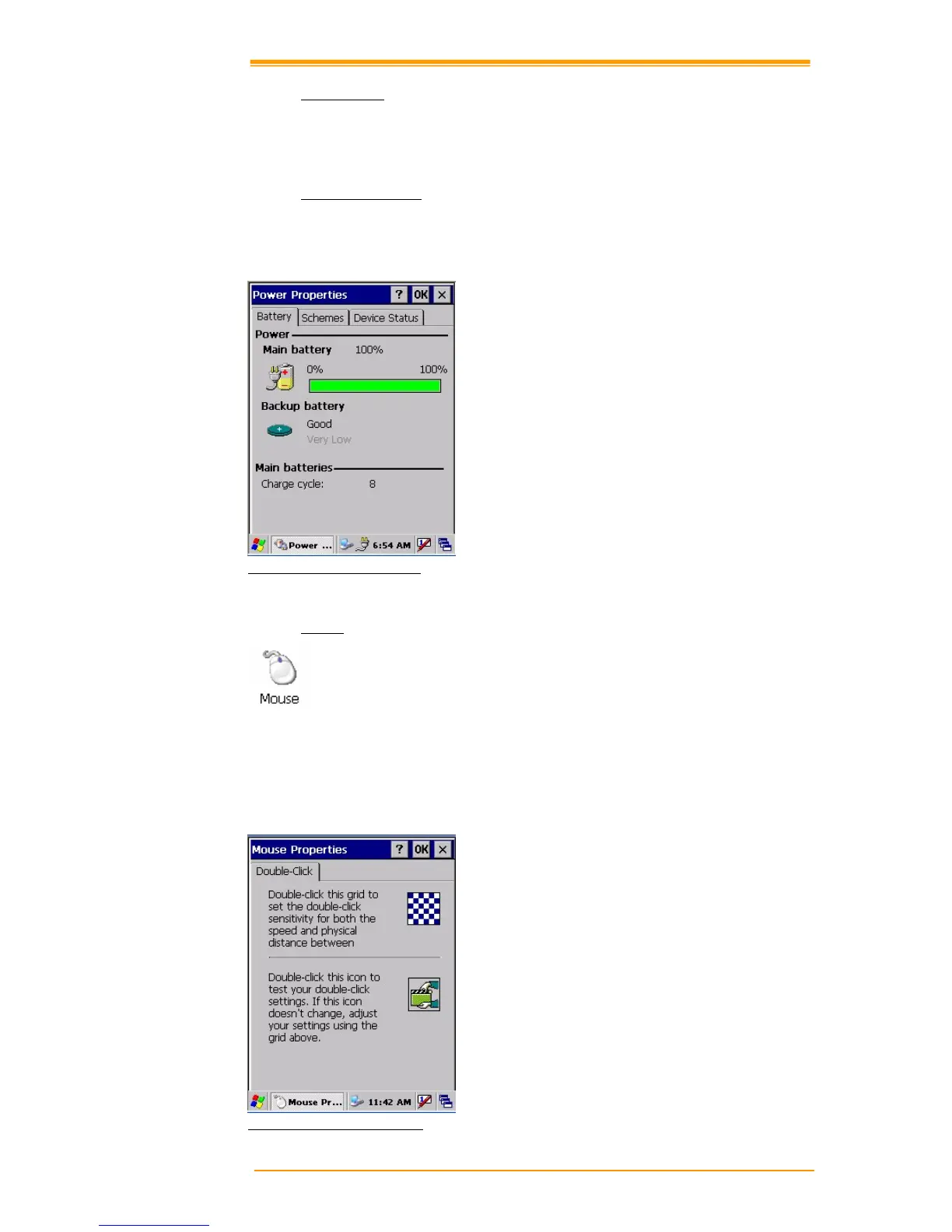
Figure 8-14 Power Properties
8.3.12 Mouse
1. Double-click the checkerboard grid at a comfortable speed.
2. Double-click the Test icon to test your setting.
3. Tap “OK” to exit the Mouse tab.
Figure 8-15 Mouse Properties



 To Next Page