User’s Manual 63
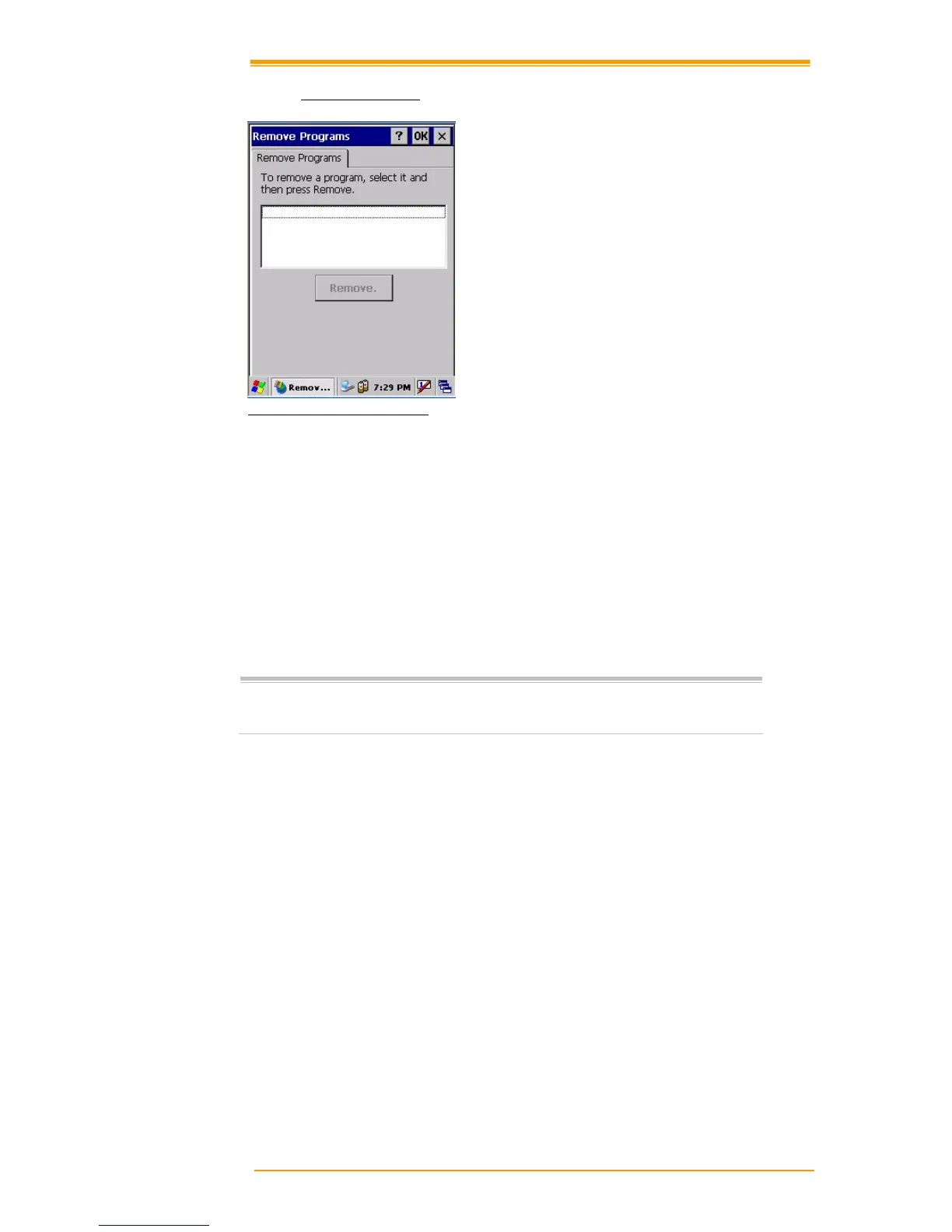
8.3.19 Remove Programs
Figure 8-21 Remove Programs
To remove installed programs:
1. Select Go to Start"# Setting"# Control Panel.
2. Open the Program removal icon.
3. Select the program to delete from the program list.
4. Click Delete.
Note:
You can only remove programs installed in RAM. If you cannot delete a
program, see detailed information in Windows CE Help on th
e TPC7050 or in
the program documents.



 To Next Page