User’s Manual 56
8.3.8 Internet Options
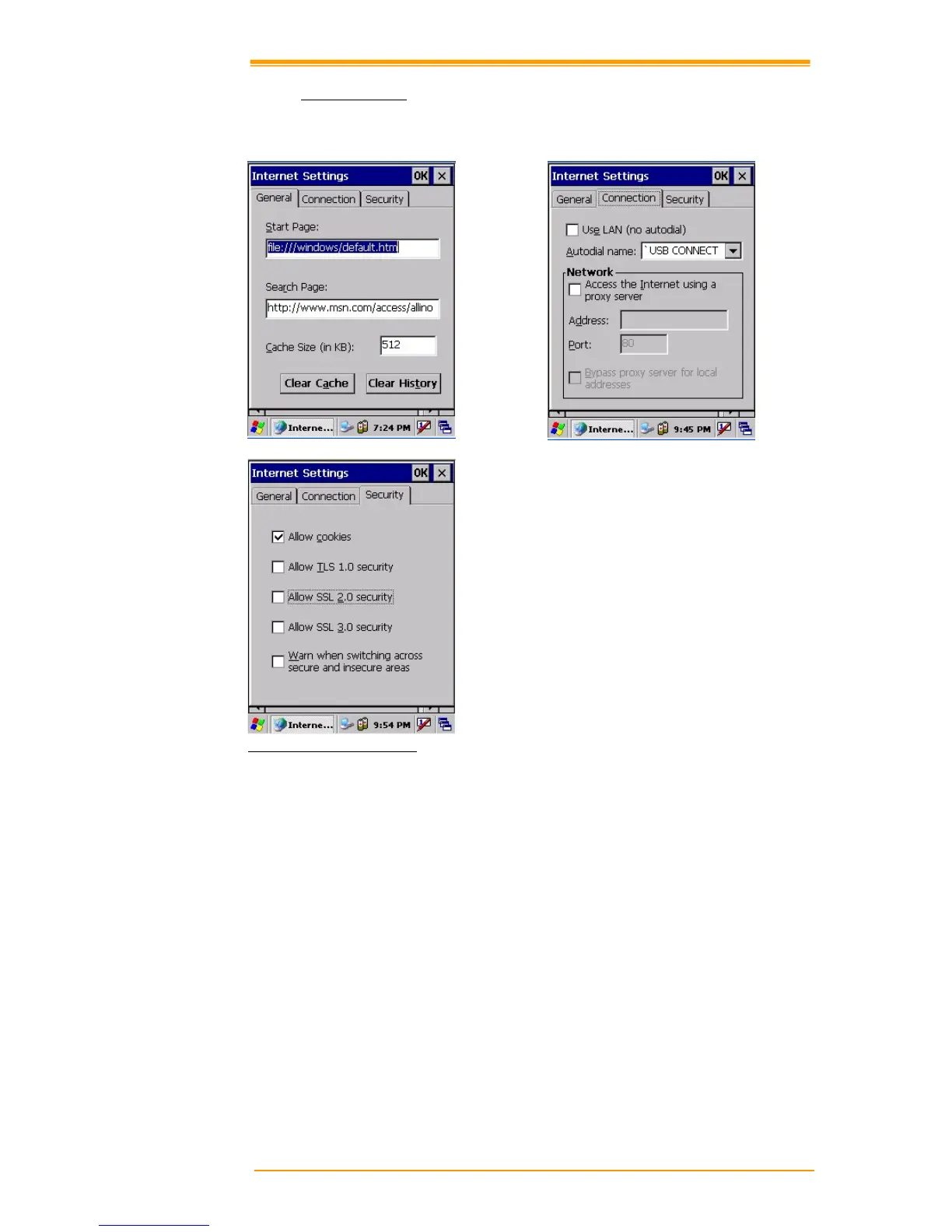
To use the Internet Explorer program, make the following settings.
Figure 8-12 Internet Settings
General
Click the General tab.
1. Enter a webpage for the Internet Explorer start page.
2. Enter a Search Engine page.
3. Set the cache size
4. To clear the cache in the system, click Clear Cache.
5. To clear opened web pages, click Clear History.



 To Next Page