User’s Manual 62
8.3.17 Power
Please refer to the previous section on Power Management.
8.3.18 Regional Settings
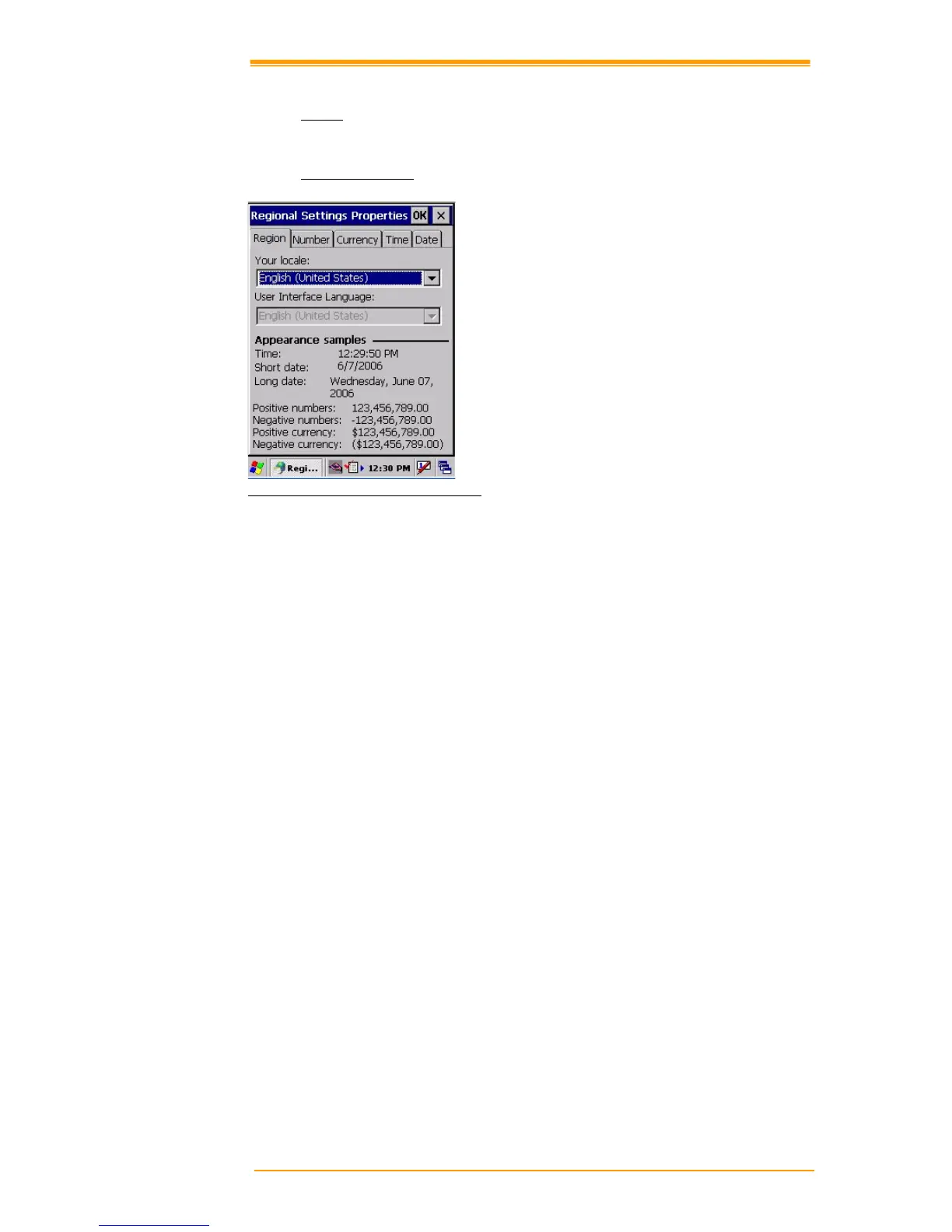
Figure 8-20 Regional Setting Properties
You can set up region, numbers, currency, time, and date.
1. Select Go to Start"# Setting"# Control Panel.
2. Open regional setting icon.
3. Select the tab for information to change.
4. Select the preferred option. Available features are dependent on which region you have
chosen in the region tab.



 To Next Page