User’s Manual 24
3.6 Power Management
3.6.1 Power Status Indication
Checking main and Backup Battery Statue
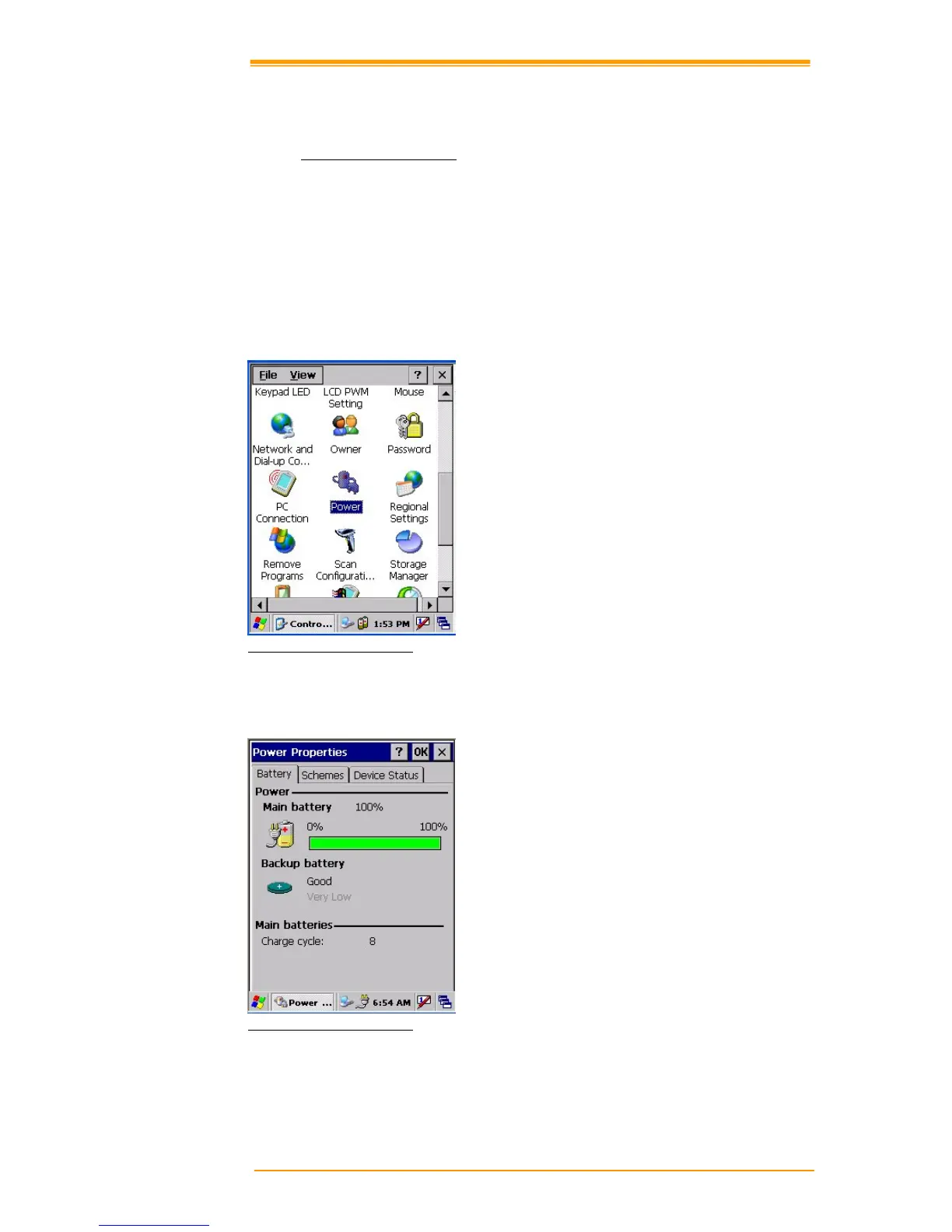
Enter “Power Properties”
If the above mentioned “Plug” or “Battery” icon is displayed, double tap this icon to bring up
the “Power Properties” screen.
Or, select Settings/ Control Panel from the Start menu and then double tap the “Power” icon
to display “Power Properties”.
Figure 3-7 Power Properties
Check Battery Status:
The battery menu item shows the status of the main and backup batteries.
Figure 3-8 Power Properties



 To Next Page