User’s Manual 36
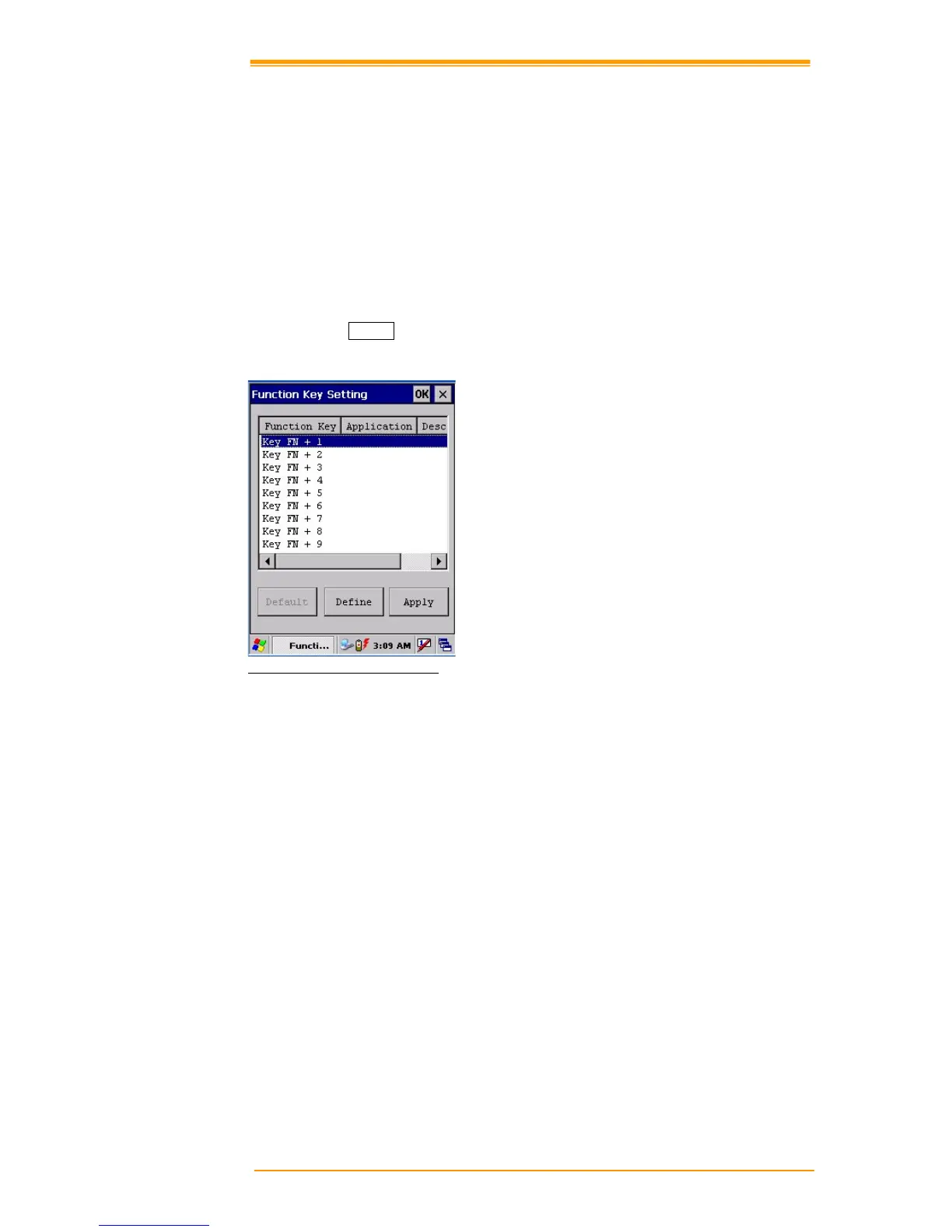
5.2 Function Key Setting
AP Settings Tab
To assign your favorite application program to F1, F2, F3 and F4 hot keys:
1. Choose F1, F2, F3 or F4 from pull-down list.
2. Tap “Open” inside the “Assign program” applet.
3. Select the application program you want from program list, and then choose “OK”.
4. Tap the Default tab to return to default setting.
Figure 5-1 Function Key Setting



 To Next Page