User’s Manual 25
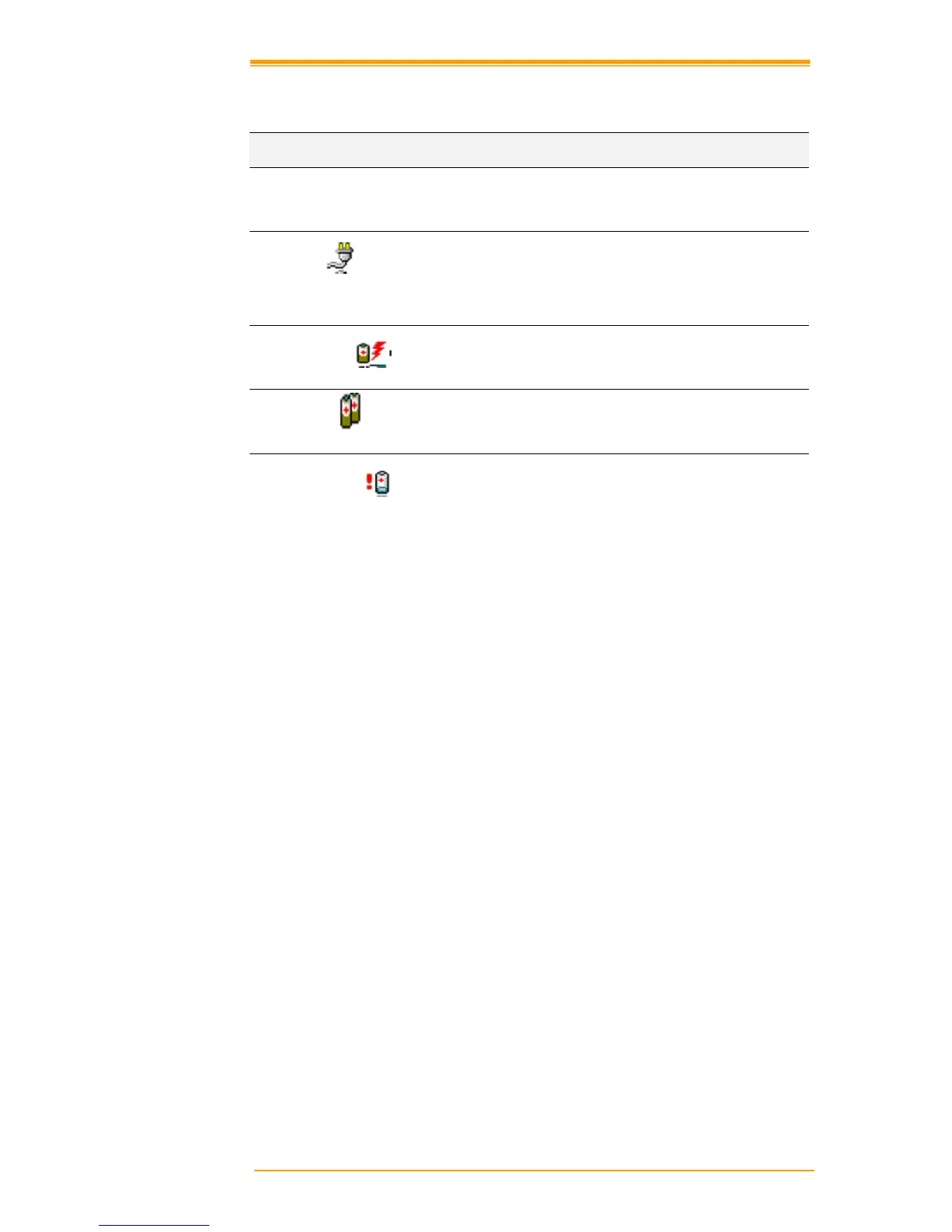
Five different icons are displayed on the status bar to indicate the on-board power status.
Icon Description
No icon:
Indicates there is no external power supply to the TPC7050 but
the battery power status is good.
“Plug” icon
:
Shows external power is in use. The TPC7050 is either
plugged-in via the DC 5V/2.5A power adapter or in the
cradle.
“Charging” icon
:
Indicates that the battery is charging.
“Battery Low
” icon:
Shows there is no external power supply, the battery charge
is low.
“Battery Very low
”
icon:
Indicates the battery is very low. Stop operation and charge
the TPC7050 immediately.
You must charge the battery when the battery “Very Low” icon is displayed. If the “Very
Low” icons still show after charging, please contact POSlineTechnical Support.



 To Next Page