User’s Manual 51
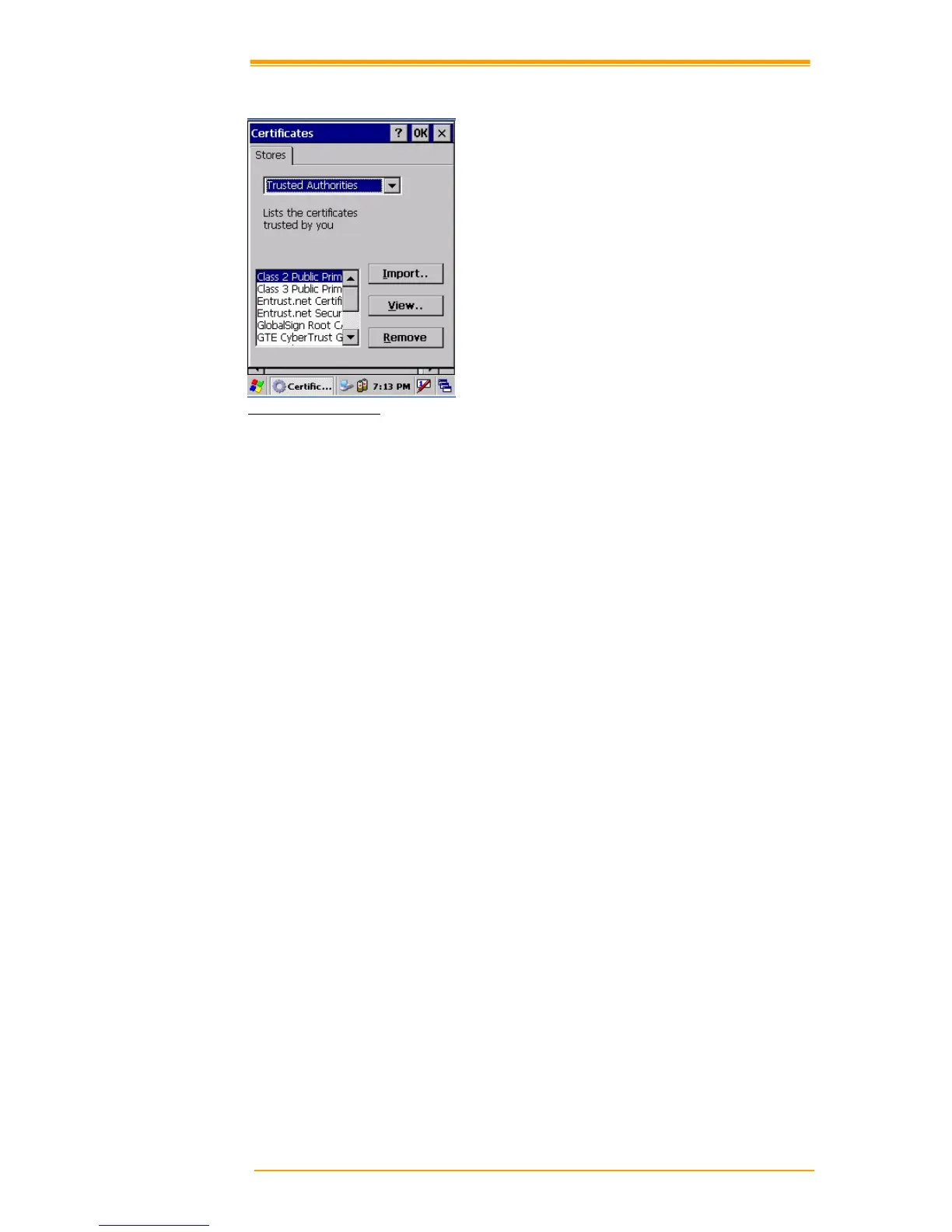
Figure 8-7 Certificates
Authorized certificate providers issue certificates that are valid for a specified period.
Windows CE.NET manages several certificate storages.
1. Select Go to Start"# Setting"# Control Panel.
2. Double click a certificate to run.
Select certificate storage for browsing or correcting through the storage tap list.
My certificate: This saves the user’s personal certificate to identify the user.
Other certificate providers: Middle certificate providers establish chains of reliability.
Reliable certificate providers: Includes the top quality certificates.
3. To add certificates or secret keys in the selected storage, press the Bring button then
select the way to bring certificates or keys. You can select them from files or a smart card.
4. To see details of selected certificates such as extension, expiration date, etc. press the
View button.
5. To delete the selected certificate from storage, press Delete button.



 To Next Page