Software messages
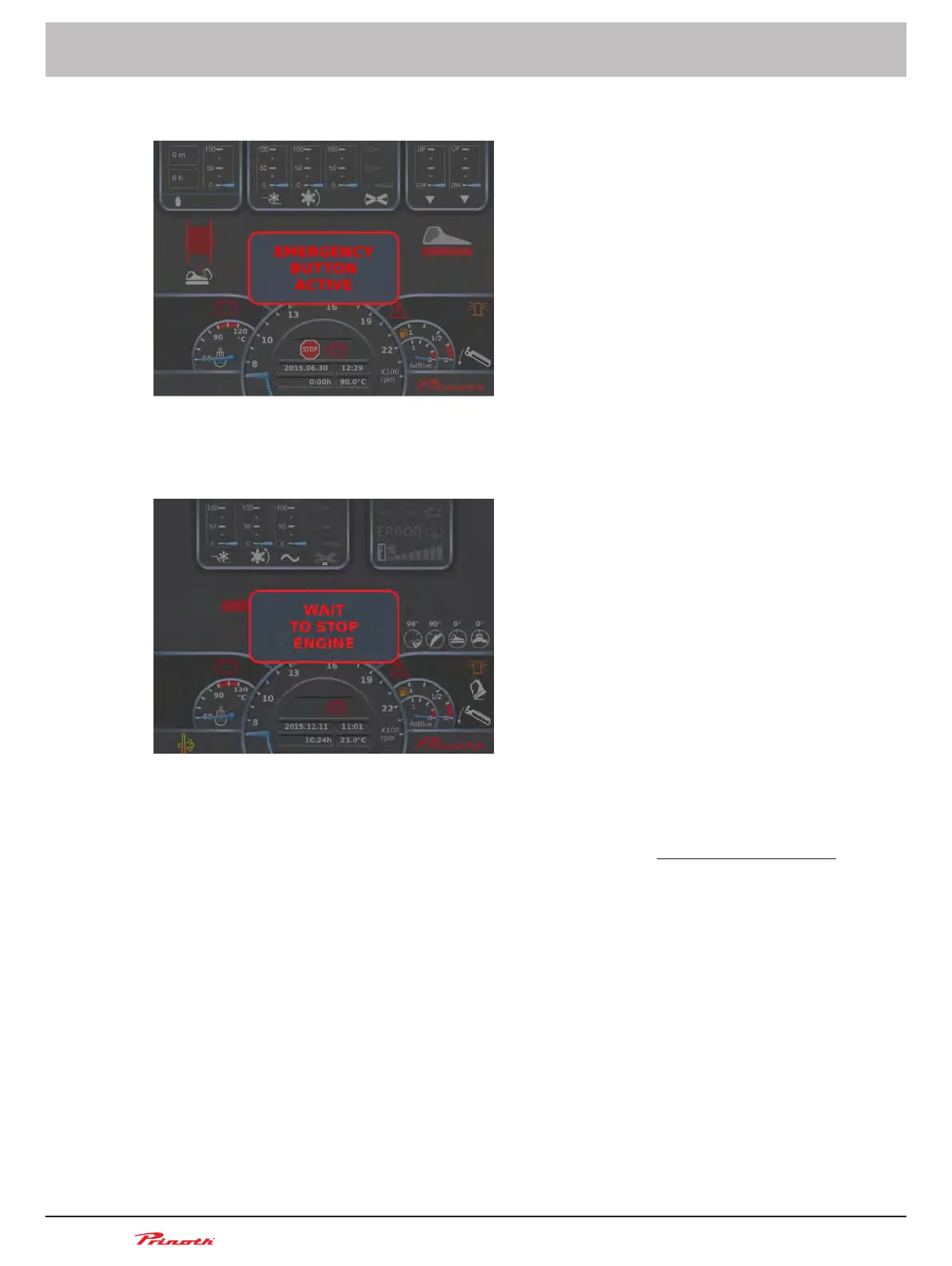
Figure 67: Emergency OFF switch active message
This message appears when the Emergency OFF switch is pressed.
Figure 68: Wait to stop engine message
This message appears when the exhaust gas temperature is too high or the HEST lamp is on and the
driver applies the parking brake or the Auto brake has been active for more than 30 s.
See chapter "Regeneration" for more information about the HEST lamp
➽
See "Regeneration" (p. 160)
Inactivity alarm
The
software monitors the activity on several controls while the vehicle operates: the steering levers,
the joystick and certain potentiometers. To help lower the risk of accident if the driver falls asleep or is
distracted while the vehicle is in motion, alarms and an automatic engine speed reduction will take
place.
Operating and Maintenance Manual
Snow groomer BISON
104
(255)
6 - Display
BISON 908930245 - 30367
6.5.5
6.5.6



 To Next Page