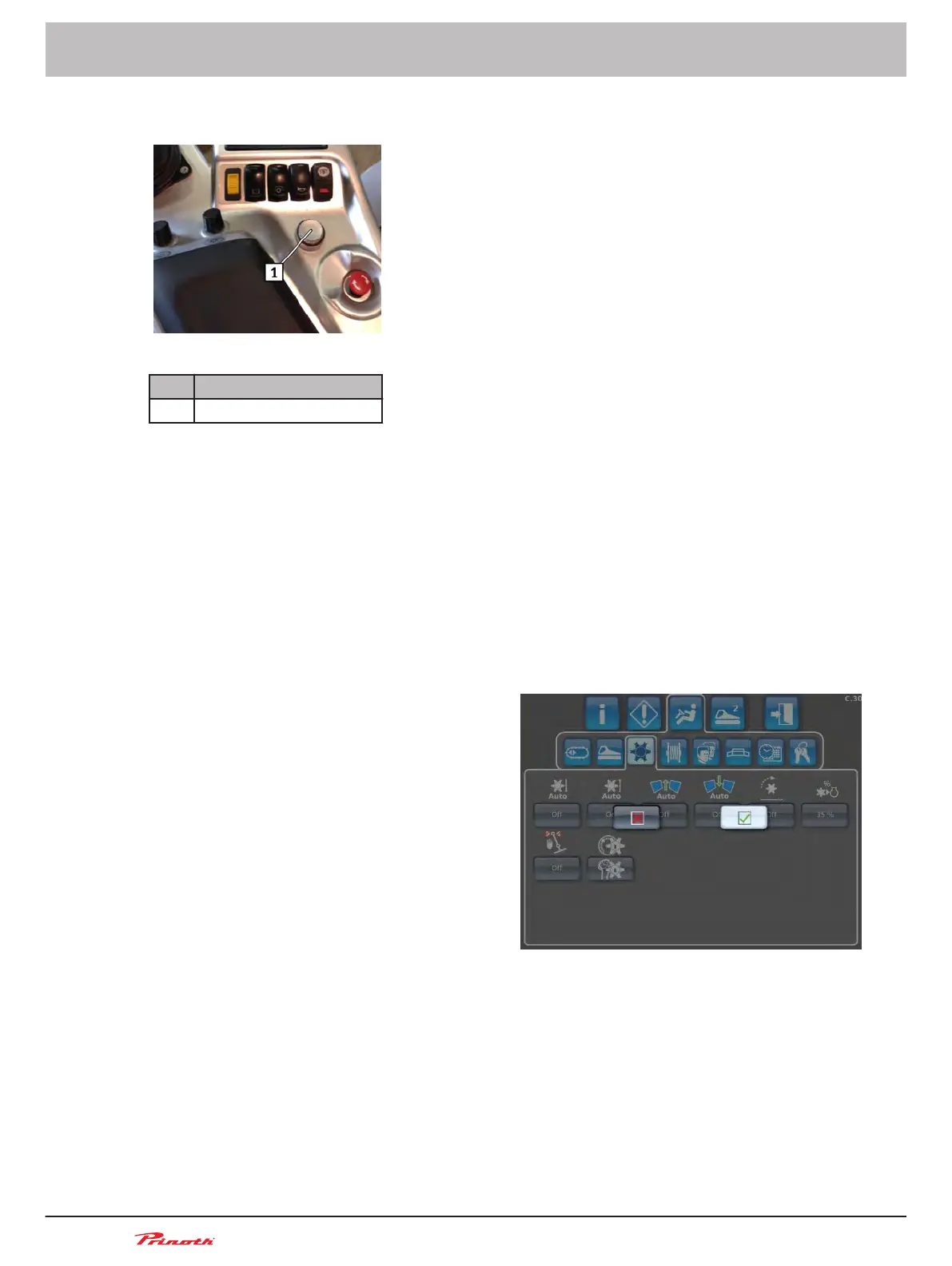
Navigating in the menu
Figure 31: Control console
Pos. Name
1 Rotary push-button B118
1. Press rotary push-button B118.
2. Turn rotary push-button B118 until the desired position is marked.
3. Press to confirm.
4. Turn rotary push-button B118 until the desired value is displayed.
5. Press to confirm.
6. In order to exit the menu, turn rotary push-button B118 until you reach the menu item in the
higher level.
7. Press to confirm.
8. When changing to the next-highest level, there is a query concerning whether the changed se-
lection should be saved.
Confirm by pressing or press the ESC key on keyboard <A36>.
9. Accept change
Operating and Maintenance Manual
Snow groomer BISON
76 (255)
6 - Display
BISON 908930245 - 30367
6.3



 To Next Page