Beta Draft Confidential
1-4 Internet Management Thermostat Configuration Guide, Release 1.0
Part No. 600-03001-550, Rev. 1
CHAPTER 1: Overview
Logging In to the Thermostat
The IMT550 Series thermostats require password authentication prior to accessing the
Web pages that enable you to control or manage the thermostats. The username and
password is as follows:
Username: admin
Password: admin (default)
To log in to the thermostat and access the Web pages:
1 Open a Web browser.
2 Enter the IP address of the thermostat. For example:
http://192.168.0.247
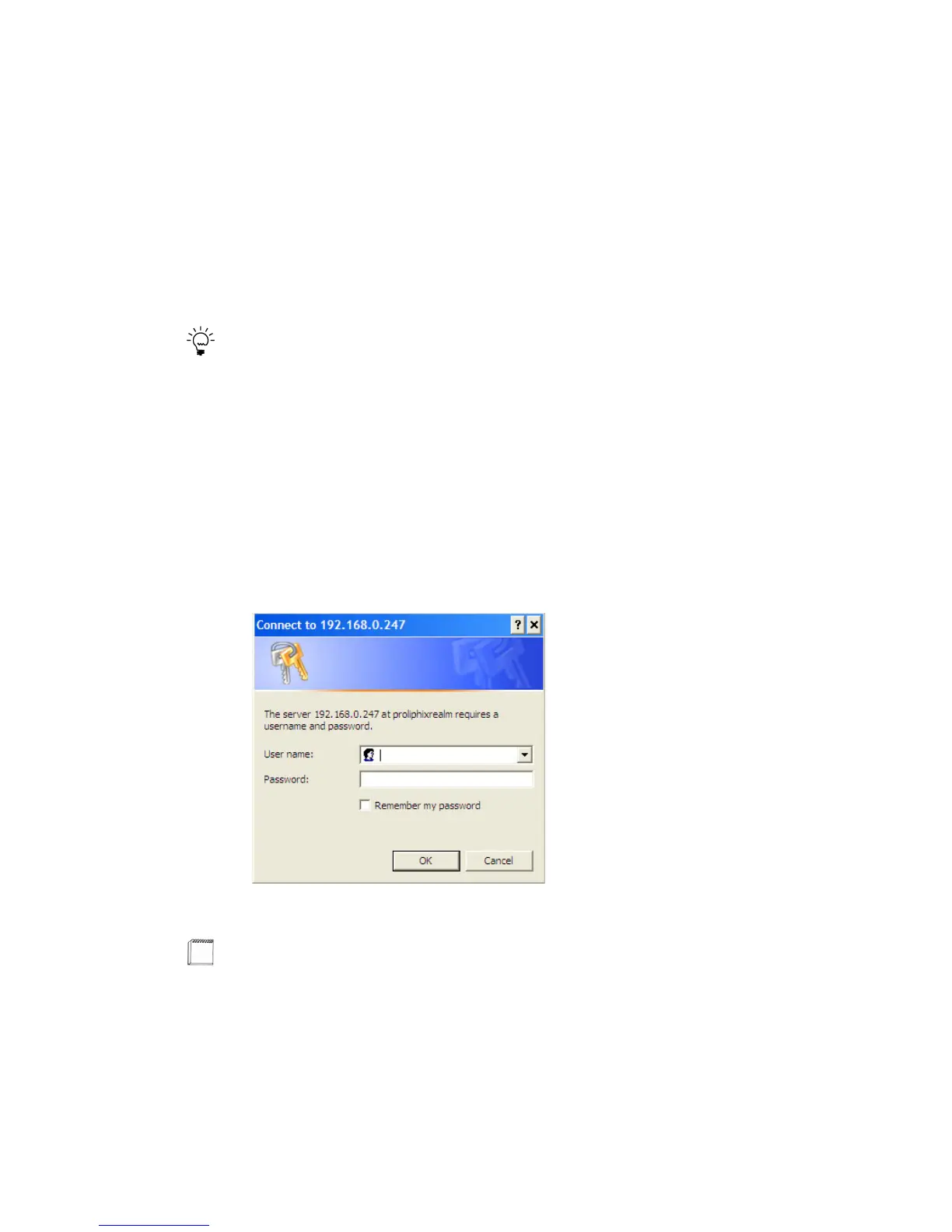
The login window appears. (See Figure 1-1.) Proper authentication is required before
you can access any other thermostat Web pages.
Figure 1-1 Administrator Authentication Window
3 Enter the default username admin and password admin for the admin account.
Tip
You can change each of these passwords within each account after the initial
authentication. For more information, see Password Settings (page 2-47).
Note
You can change passwords for each account using the Password Settings. See
Password Settings (page 2-47).



 To Next Page