Beta Draft Confidential
Schedules Page
Internet Managed Thermostat Configuration Guide, Release 1.0 2-15
Part No. 600-03001-550, Rev. 1
3 Enter the appropriate day(s) duration.
4 Select the appropriate Daily Profile to Use.
5 Click Submit.
Modifying Special Days
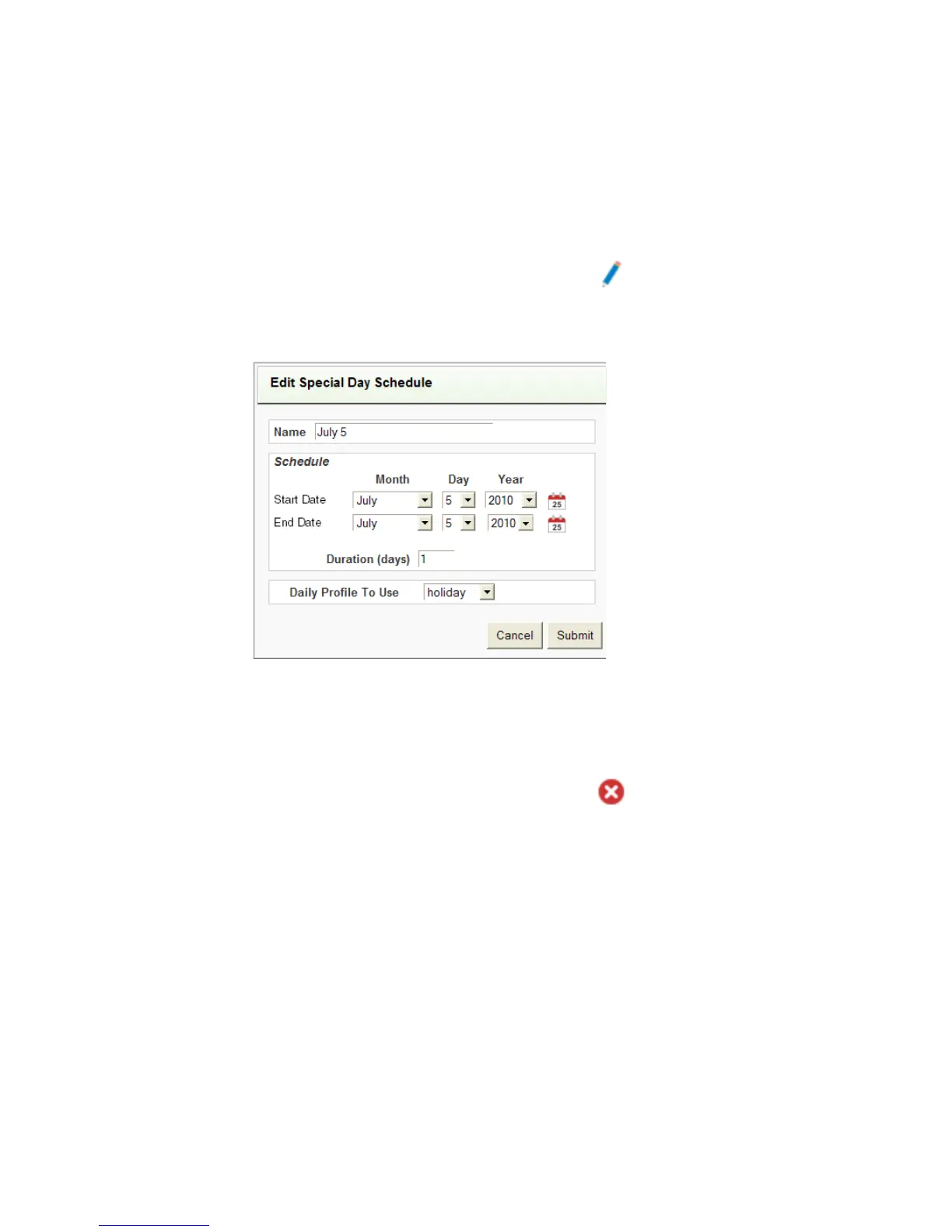
1 From the Special Days page, click the pencil icon on the appropriate line to
display the Edit Special Day Schedule page.
Figure 2-12 Edit Special Day Schedule
2 Edit the fields as necessary.
3 Click Submit.
Deleting Special Days
1 From the Special Days page, click the delete icon on the appropriate line.
A message displays confirming you want to delete the special day(s).
2 Click OK to delete the special day(s) or Cancel to cancel the operation.



 To Next Page