Beta Draft Confidential
2-44 Internet Managed Thermostat Configuration Guide, Release 1.0
Part No. 600-03001-550, Rev. 1
CHAPTER 2: Configuring the Thermostat Using the Web Interface
Admin Page
The Admin page displays tabs for the General, Date and Time, Installer Information,
Password Settings, Restart, and Software Update pages.
General
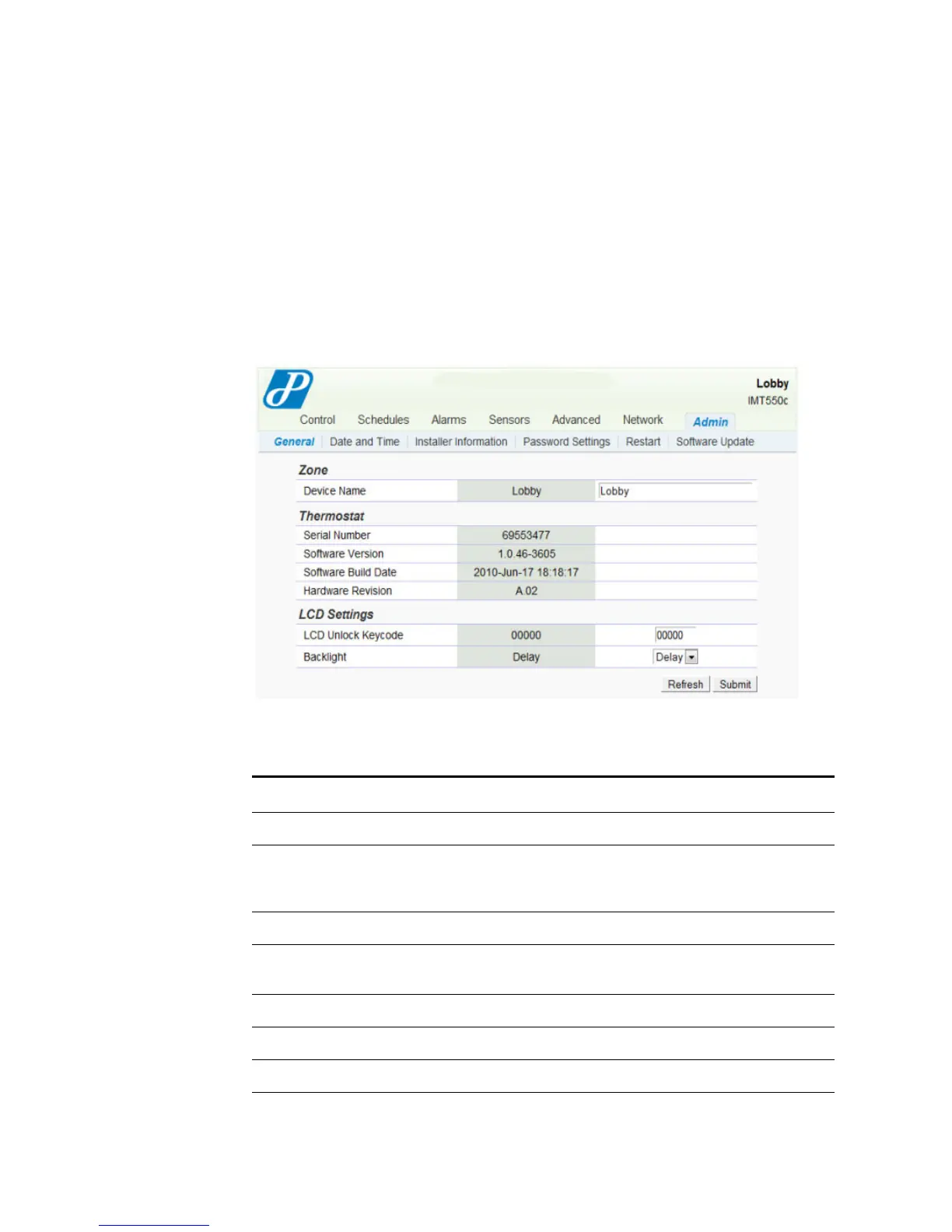
The Admin - General page displays the device name, serial number, LCD
information, for example.
Figure 2-32 Admin - General Page
Use Table 2-14 to configure the General fields.
Table 2-14 Admin - General Field Descriptions
Field Description
Zone
Device Name Enter a unique 15 character identifier for the thermostat. You can
use the thermostat location in this field (i.e. Main Lobby). This
identifier is known as the host name within the data network.
Thermostat
Serial Number Displays an eight digit alpha-numeric thermostat serial number
(e.g. 8438F399).
Software Version Displays the current software version.
Software Build Date Displays the date and time the current version of software.
Hardware Revision Displays the hardware revision.



 To Next Page