Beta Draft Confidential
2-38 Internet Managed Thermostat Configuration Guide, Release 1.0
Part No. 600-03001-550, Rev. 1
CHAPTER 2: Configuring the Thermostat Using the Web Interface
Network Page
The Network page displays tabs for the General, Remote Access, Notification
Settings, and Statistics pages.
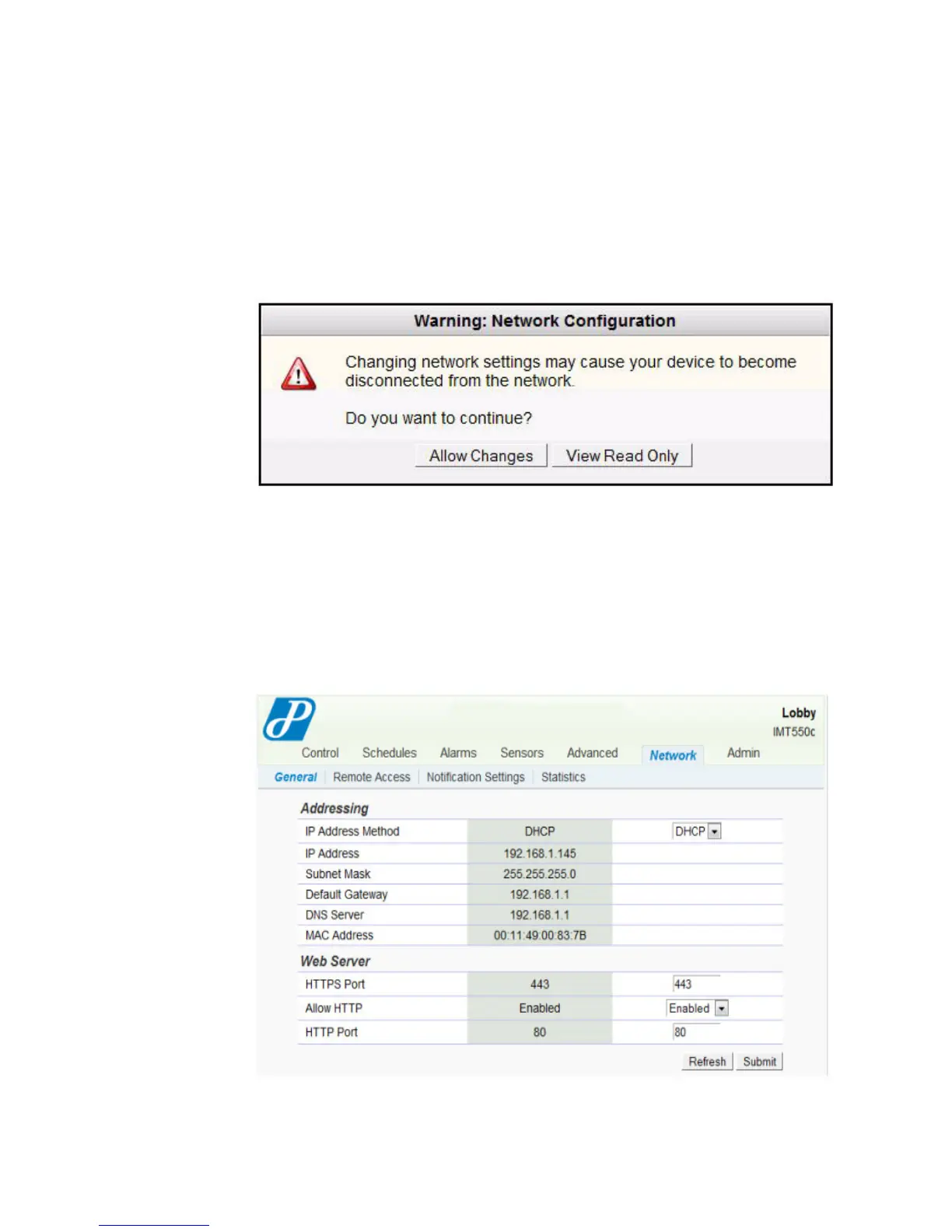
Figure 2-27 displays when you access the Network page.
Figure 2-27 Network - Warning: Network Configuration
To configure the Network page or view as read only, click the appropriate button.
General
The Network - General page displays IP address, firewall, and web server
information.
Figure 2-28 Network - General Page



 To Next Page