Beta Draft Confidential
2-46 Internet Managed Thermostat Configuration Guide, Release 1.0
Part No. 600-03001-550, Rev. 1
CHAPTER 2: Configuring the Thermostat Using the Web Interface
Use Table 2-15 to configure the Admin - Date and Time fields.
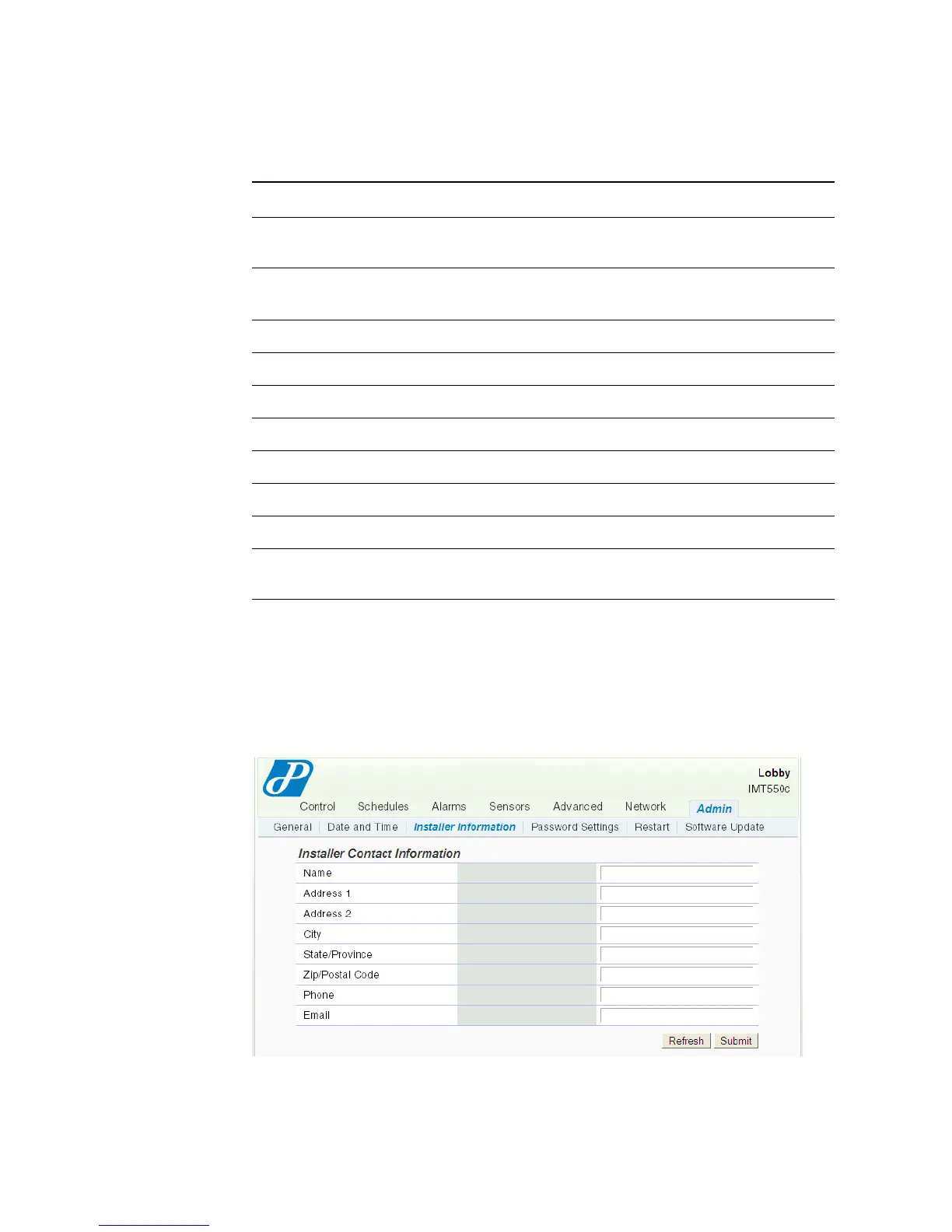
Installer Information
The Installer Information page contains contact information for the installer. Enter
the information as necessary.
Figure 2-34 Admin - Installer Information Page
Table 2-15 Admin - Date and Time Field Descriptions
Field Description
Network Time
Synchronization
Network Time Protocol (NTP)
Enabled
Disabled
NTP Timeserver
Thermostat Timezone
Timezone of Thermostat Displays the current timezone.
Observe DST Click to adjust the time for Daylight Savings Time.
Manually Set Date and Time
New Date Enter a new date.
New Time Enter a new time.
Use web browser date and time Click to use configure date and time using browser date and
time.



 To Next Page