Beta Draft Confidential
2-40 Internet Managed Thermostat Configuration Guide, Release 1.0
Part No. 600-03001-550, Rev. 1
CHAPTER 2: Configuring the Thermostat Using the Web Interface
Remote Access
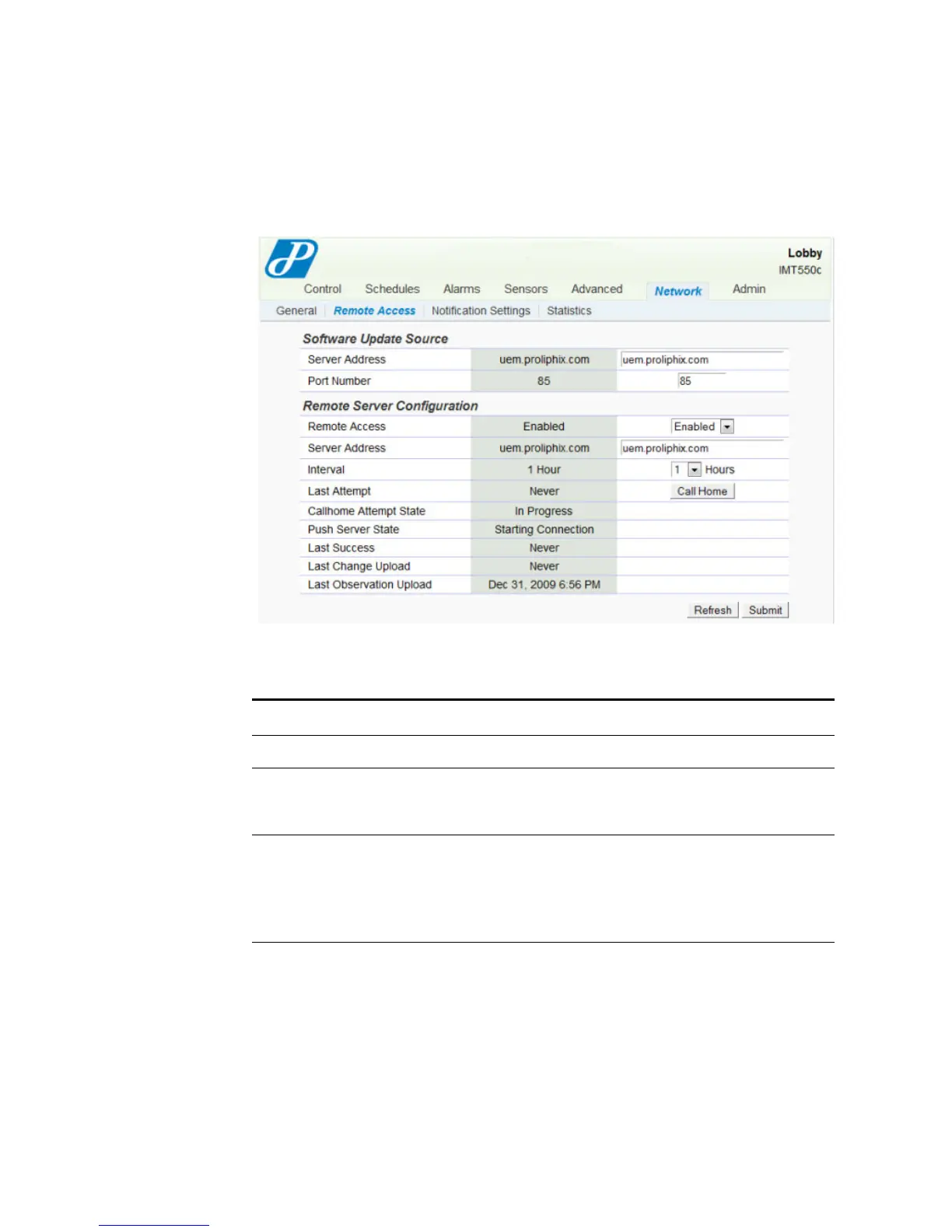
The Network - Remote Access page displays the remote access information.
Figure 2-29 Network - Remote Access Page
Use Table 2-12 to configure the Remote Access fields.
Table 2-12 Network - Remote Access Field Descriptions
Field Description
Software Update Source
Server Address Enter the IP address of the Remote Server for software updates.
Note that this field is pre-configured at the factory with
uem.proliphix.com.
Port Number Enter the outgoing IP port number which is used to communicate
to the remote server. This field is pre-configured at the factory
with the IP port number of the Proliphix Web Server. Do not
change this value.
85 – (default) Port number of the remote server.



 To Next Page