Beta Draft Confidential
Admin Page
Internet Managed Thermostat Configuration Guide, Release 1.0 2-47
Part No. 600-03001-550, Rev. 1
Password Settings
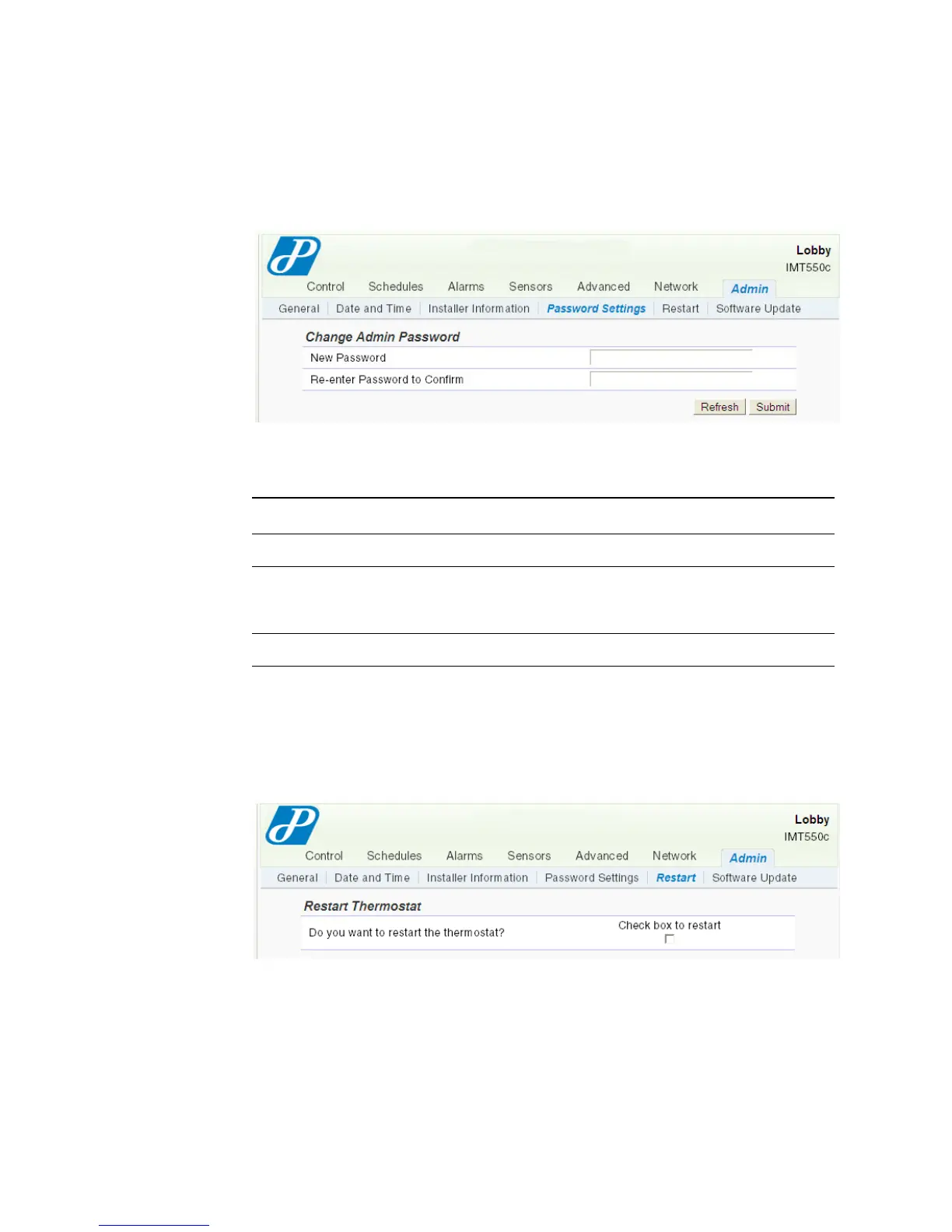
The Admin - Password Settings page enables you to modify the Admin password.
Figure 2-35 Admin - Password Settings Page
Use Table 2-16 to configure the Admin - Password Settings page.
Restart
The Admin - Restart page enables you to restart the thermostat.
Figure 2-36 Admin - Restart Page
Table 2-16 Admin - Password Settings Field Descriptions
Field Description
Change Admin Password
New Password Enter an alpha-numeric password for the Administrator
(admin) account. The password is case sensitive and limited to
15 alpha-numeric characters. The default password is admin.
Re-enter Password to Confirm Re-enter your password.



 To Next Page