Beta Draft Confidential
2-8 Internet Managed Thermostat Configuration Guide, Release 1.0
Part No. 600-03001-550, Rev. 1
CHAPTER 2: Configuring the Thermostat Using the Web Interface
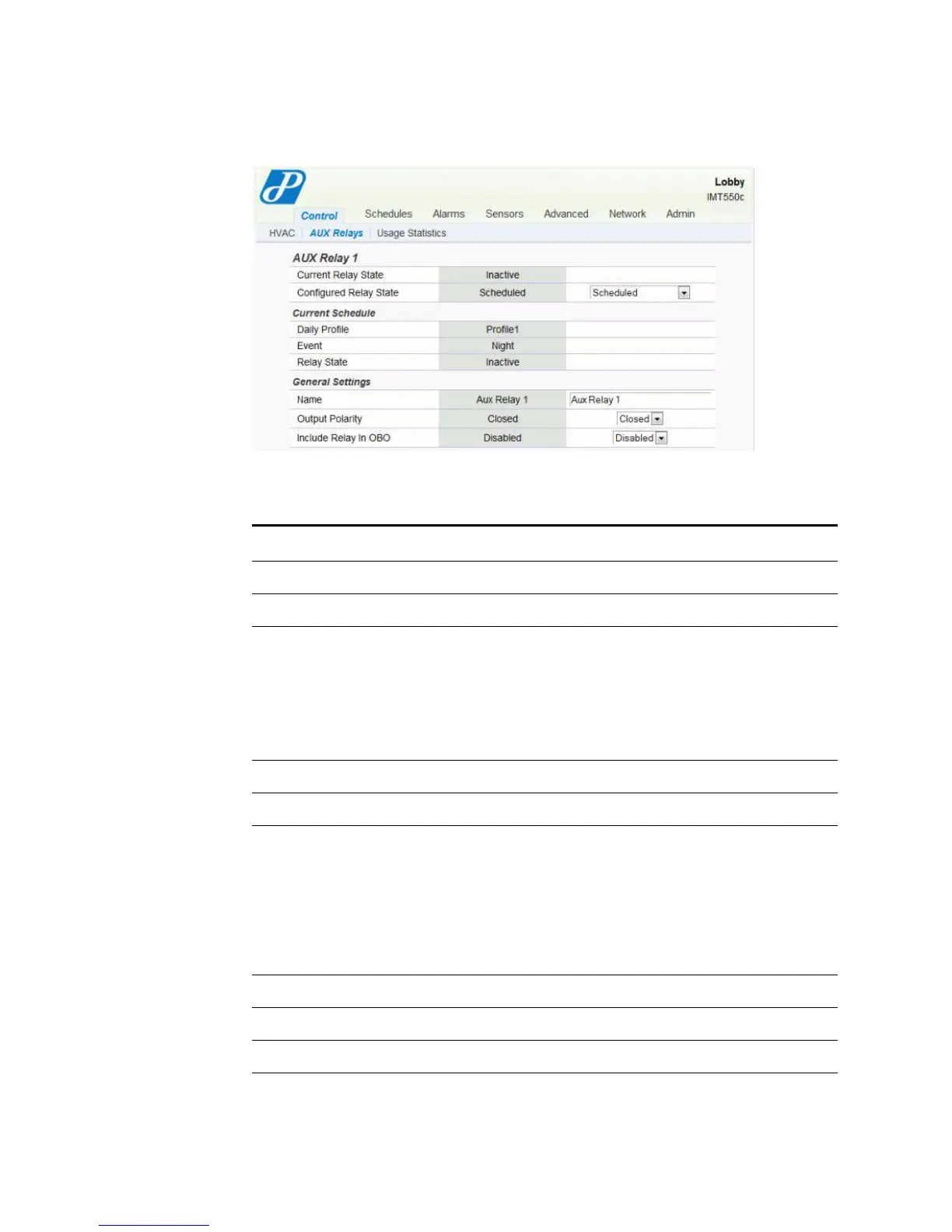
Figure 2-6 Control - AUX Relays Page - Scheduled
Use Table 2-2 to configure the Control - AUX Relays fields.
Table 2-2 Control - AUX Relays Field Descriptions
Field Description
AUX Relay 1 and 2
Current Relay State Displays the current relay state of Active or Inactive.
Configured Relay
State
Active - Forces relay to its active state.
Inactive - Forces relay to its inactive state.
Externally Triggered - Enables choice of activation trigger as either
above/below Zone Hmidity or above/below Zone Temperature.
Scheduled - Activated by time-of-day schedule as established on the
Schedules tab.
Current Schedule
Daily Profile Displays the current active sheduled Profile.
Event Displays the current Event definition.
Morning
Day
Evening
Night
Note: This field is for Scheduled control.
Relay State Displays the relay state of Active or Inactive.
General Settings
Name



 To Next Page