Beta Draft Confidential
2-18 Internet Managed Thermostat Configuration Guide, Release 1.0
Part No. 600-03001-550, Rev. 1
CHAPTER 2: Configuring the Thermostat Using the Web Interface
2 Enter a Name and Schedule information for the special day(s).
3 Select the appropriate Daily Profile to Use.
4 Click Submit.
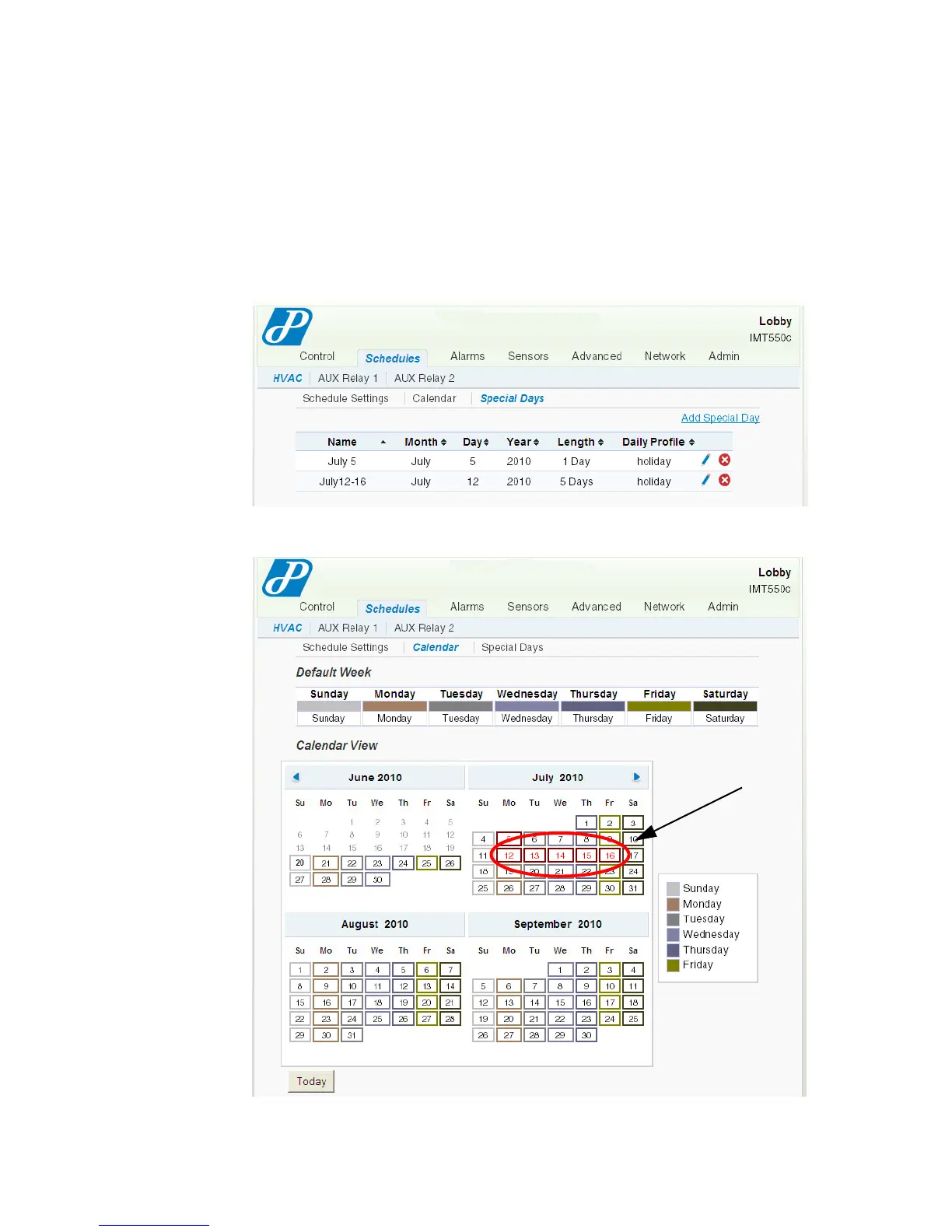
The Special Day entry (for 5 days total) displays on the Special Days and Calendar
pages.
Figure 2-17 Special Days - Example 2B
Figure 2-18 Special Days - Example 2C
Special Days (5)



 To Next Page