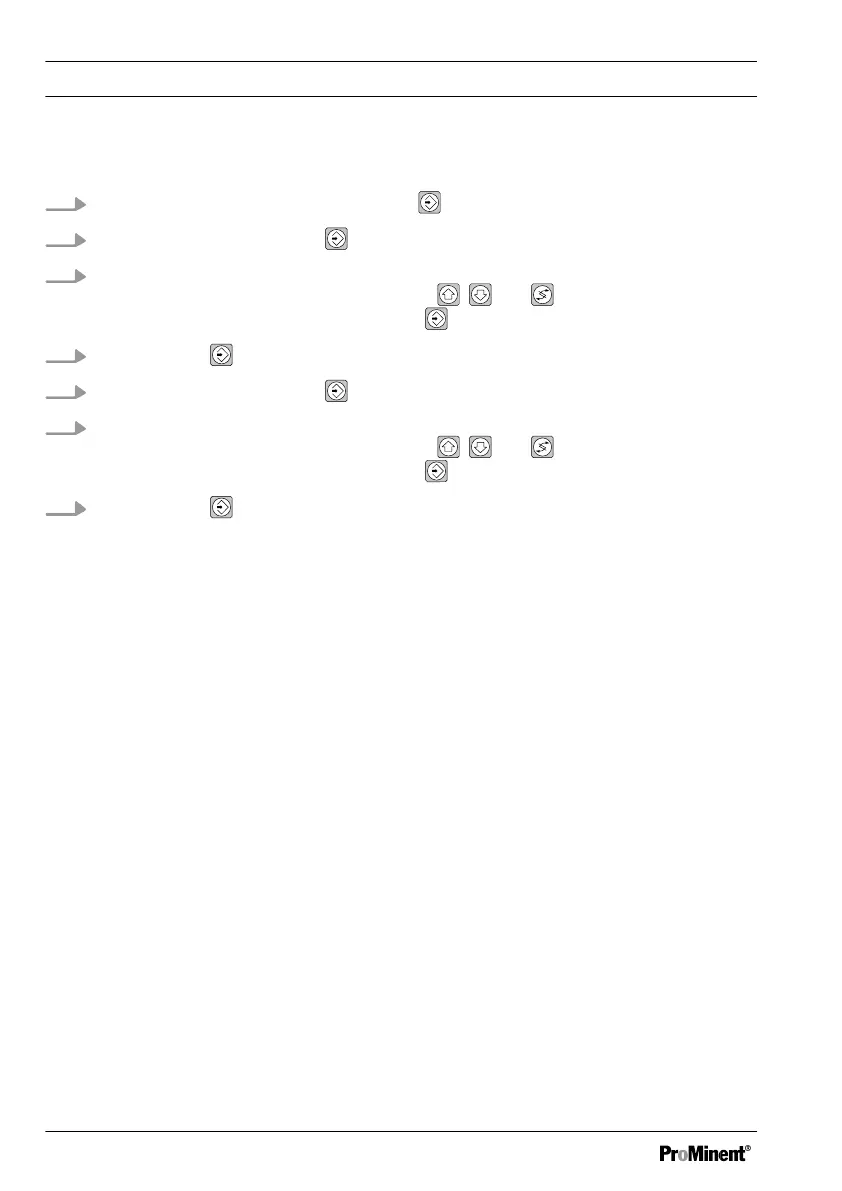
Calibration in the complete operating menu
1.
Select the calibration menu. Then press
2.
Confirm prompt with the key
3. Enter the actual value 1 suitable for the respective measured variable determined
using the measuring method with the keys , and in the DULCOMETER
®
D1Cb / D1Cc. Confirm entry with the key . The value flashes
4.
Continue with
5.
Confirm prompt with the key
6. Enter the actual value 2 suitable for the respective measured variable determined
using the measuring method with the keys , and in the DULCOMETER
®
D1Cb / D1Cc. Confirm entry with the key
. The value flashes
7.
Continue with
ð
The display now shows the values determined for the zero point and slope.
Should an error be displayed, see
Ä ‘Error messages in the calibration
menu’ Table on page 110
Measured Variables and Operating Menus for the Standard Signal General
112















 To Next Page