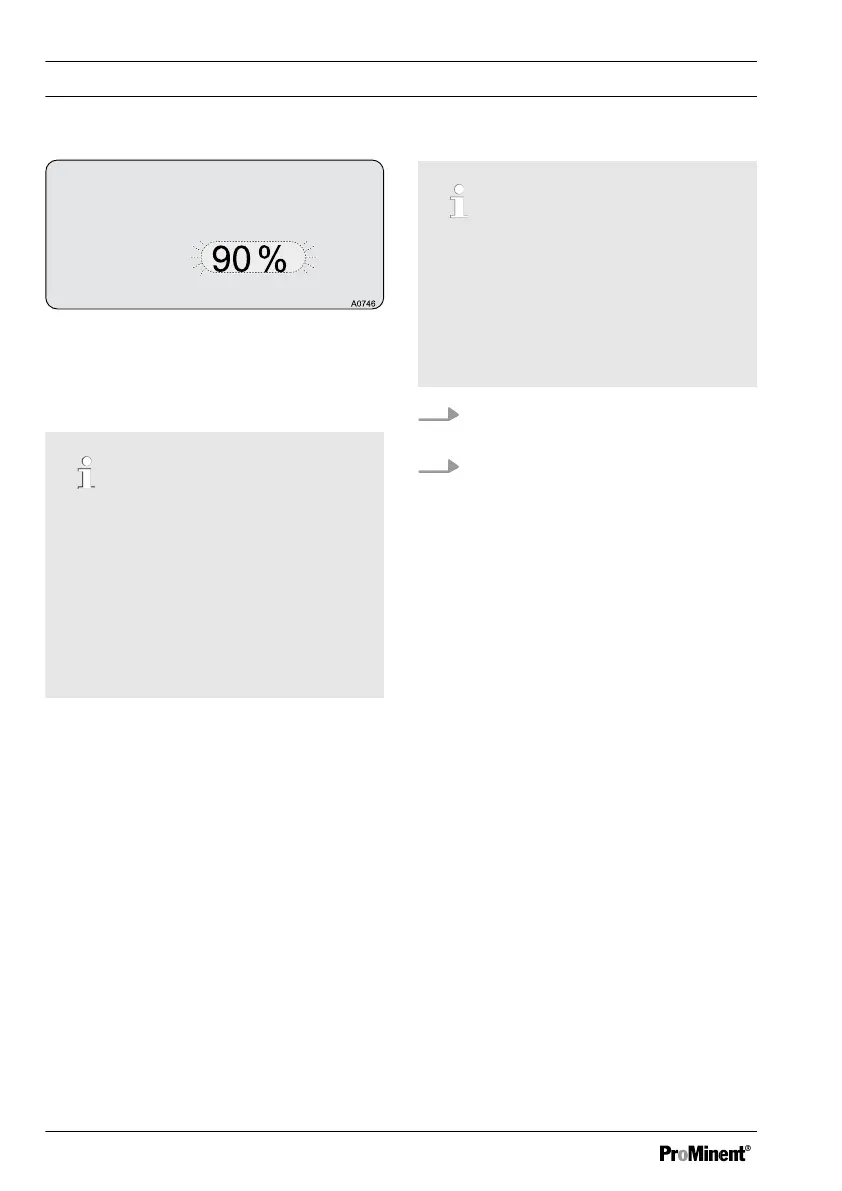
Fig. 69: Threshold
The maximum permitted control value
[Threshold]
must be set = maximum
allowed control value.
The control of your process
The values for [checkout time] and
[threshold] depend on the process, in
which the measurement and control
are taking place. These values can be
very individual and depend on many
factors (such as the chemicals used
etc.). Hence we cannot specify any
values for you. You will have to deter‐
mine these values for yourselves.
Before you can specify the
[checkout times]
and
[threshold]
, you must
monitor the control of your process over a
representative period and determine the
necessary dosing times and control
values.
You must select the
[checkout times]
and
the
[threshold]
so that in normal operation
they are not exceeded. If the
[checkout time]
of the control is trans‐
gressed, the control is stopped and an
error message is displayed. You must
acknowledge this error message to restart
the control.
Transgression of the checkout
time
If a transgression of the
[checkout time] repeatedly occurs,
then you must clear the error in the
process or redetermine and reset the
values for the [checkout times] and
the [threshold].
1. Acknowledge the error message
with the
[Enter]
key
2. Reset the controller into normal
operation using the
[Start/Stop]
key
Operating Menus Independent of Measured Variables
128















 To Next Page