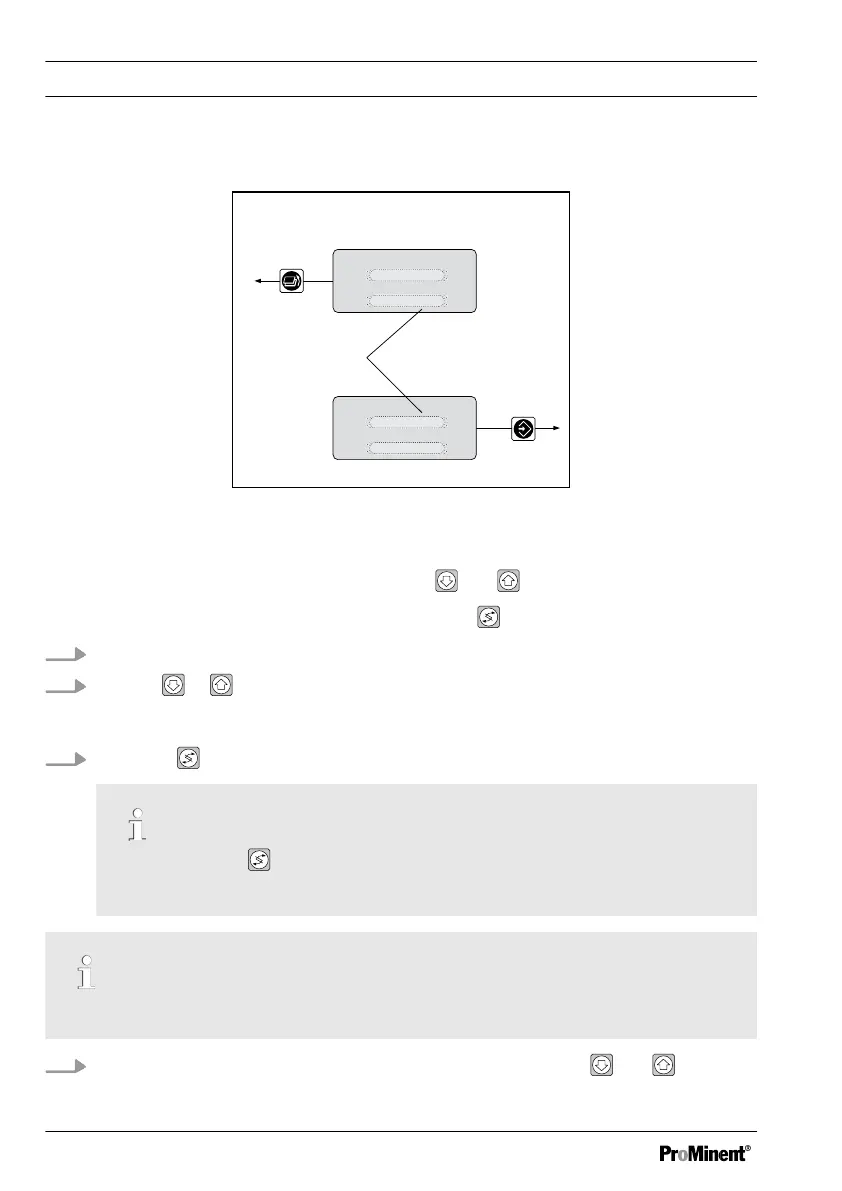
You can set and change numerical values as follows:
1
Text 1
Text 2
Selection 1
Selection 2
Text 1
Text 2
Selection 1
Selection 2
A0007_GB
Fig. 31: Settable values flash on and off
1. Settable values flash on and off
You can lower or increase values using the keys
and .
You can switch between the settable values using the key.
1. The setpoint (e.g. 7.20 pH) flashes
2.
The the or key once
ð
The first figure of the numerical value now flashes.
3.
Using the
key you can go back to the figure you want to change
By pressing the key multiple times, you can return to the first figure of the
numerical value which is to be set.
The figure of the numerical value which can be changed flashes.
4.
You can lower or increase the numerical value using the keys and
Operating diagram/ Display Symbols
66















 To Next Page