Proroute GEM420 4G M2M Router
GEM420 User Manual 100
3.2.1 Firewall
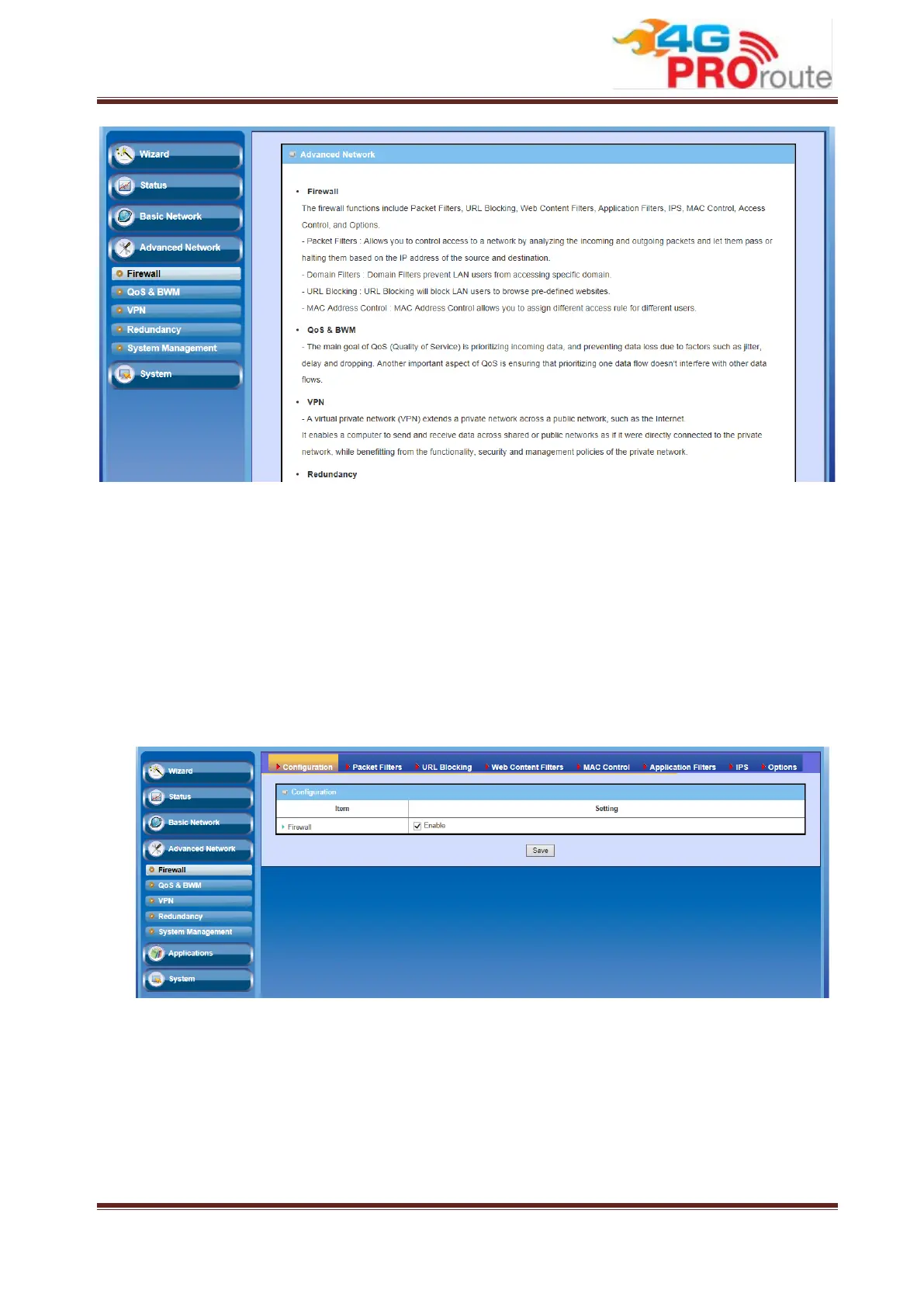
The firewall functions include Packet Filters, URL Blocking, Web Content Filters, MAC
Control, Application Filters, IPS and some firewall options.
3.2.1.1 Configuration
One Firewall Enable check box lets you activate all firewall functions that you want.
3.2.1.2 Packet Filters
Packet Filters function can let you define both outbound filter and inbound filter rules
by specifying the source IP and destination IP in a rule. It enables you to control what
packets are allowed or blocked to pass the router. Outbound filters are applied to all
outbound packets. However, inbound filters are applied to packets that destined to
virtual servers or DMZ host / port only.



 To Next Page