Proroute GEM420 4G M2M Router
GEM420 User Manual 38
Check Timeout: Set allowance of time period to receive response of keep-alive
packet. If this gateway doesn’t receive response within this time period, this
gateway will record this keep alive is failed.
Latency Threshold: Set acceptance of response time. This gateway will record
this keep-alive check is failed if the response time of replied packet is longer
than this setting.
Fail Threshold: Times of failed checking. This WAN connection will be
recognized as broken if the times of continuous failed keep-alive checking
equals to this value.
Target1/Target2: Set host that is used for keep alive checking. It can be DNS1,
DNS2, default Gateway, or other host that you need to input IP address
manually.
5. IGMP: Enable or disable multicast traffics from Internet. You may enable as auto
mode or select by IGMP v1, IGMP v2, IGMP v3 or Auto.
3.1.1.2.2 Ethernet WAN
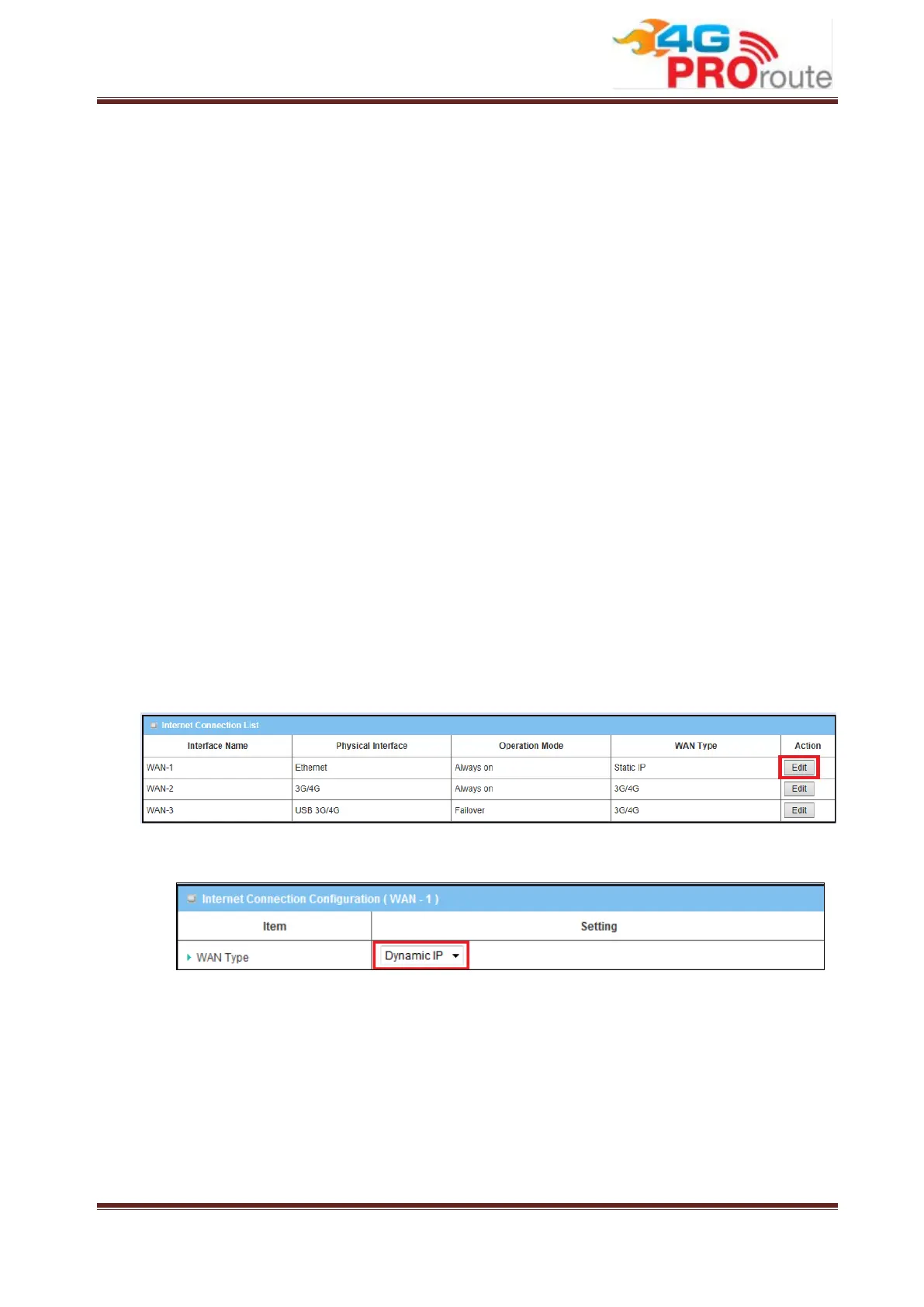
Click on the “Edit” button for the Ethernet WAN interface and you can get the detail
WAN settings and then configure the settings as well.
3.1.1.2.2.1 Dynamic IP Address



 To Next Page