Proroute GEM420 4G M2M Router
GEM420 User Manual 30
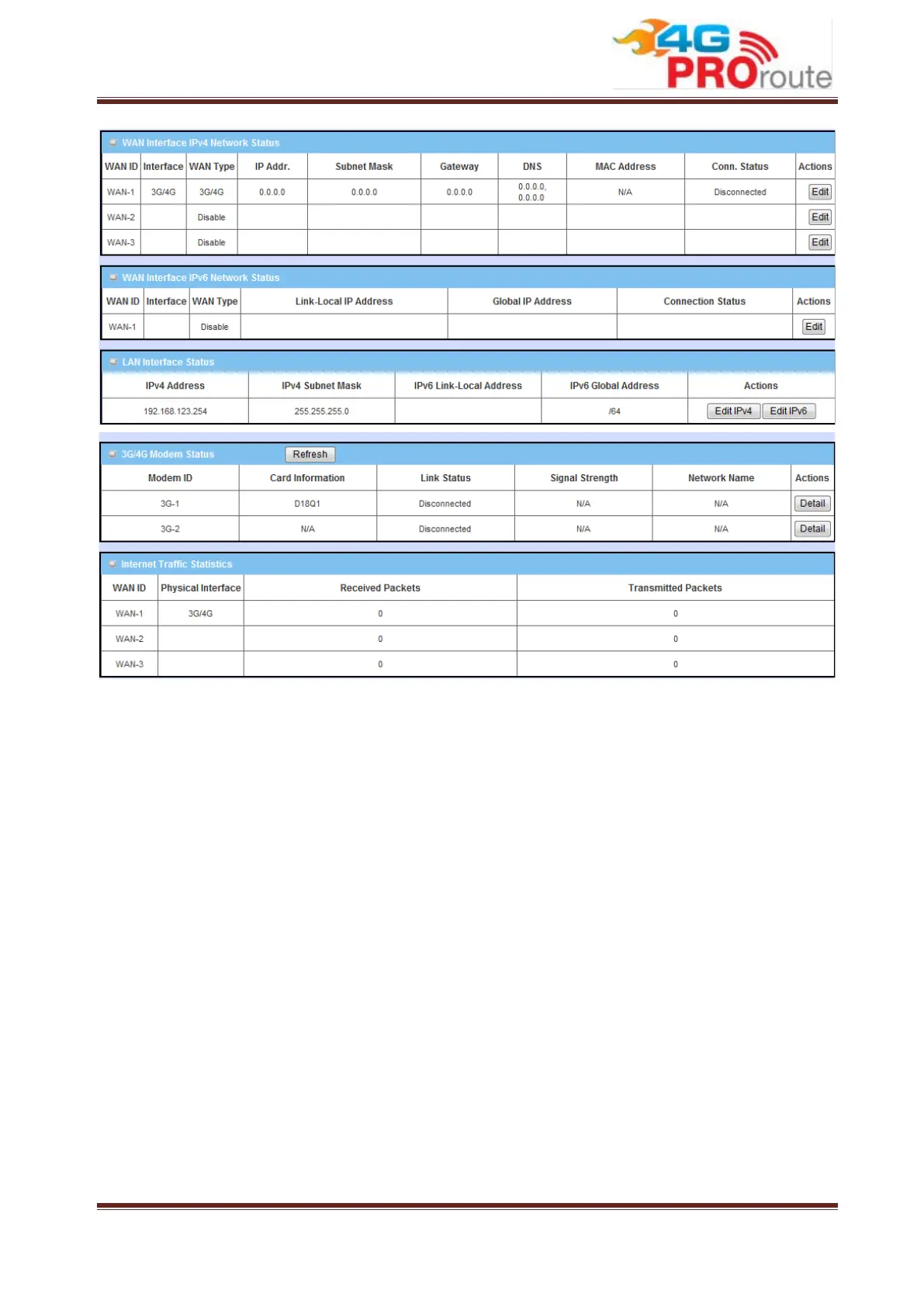
You can check status of WiFi at WiFi Status page, connected clients at LAN Client List
page, and other advanced function status at Firewall Status page and VPN Status page.
3.1 Basic Network
You can enter Basic Network for WAN, LAN&VLAN, WiFi, IPv6, NAT/Bridging, Routing,
and Client/Server/Proxy settings as the icon shown here.



 To Next Page