Proroute GEM420 4G M2M Router
GEM420 User Manual 29
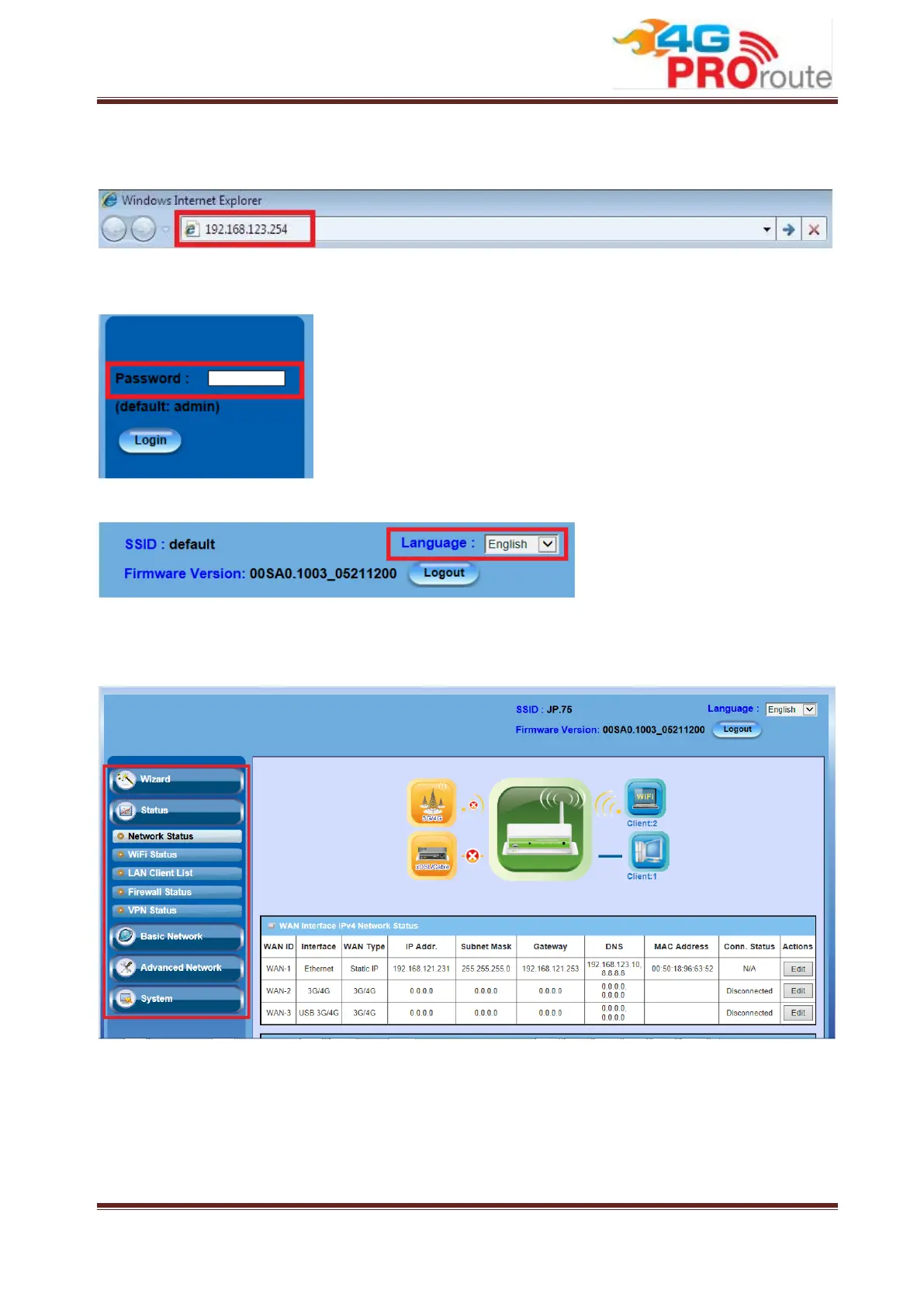
or to check the system status. These task buttons can be easily found in the cover page of
the UI (User Interface).
Enter the default password “admin” in the Password and then click ‘Login’ button.
After login, select your language from the list.
Afterwards, you can go Wizard, Basic Network, Advanced Network or System
respectively on left hand side of web page.
Note: You can see the first screen is located at Status >> Network Status after you
logged in and the screen shows the Network Connection Status below.



 To Next Page