Proroute GEM420 4G M2M Router
GEM420 User Manual 150
USSD Configuration
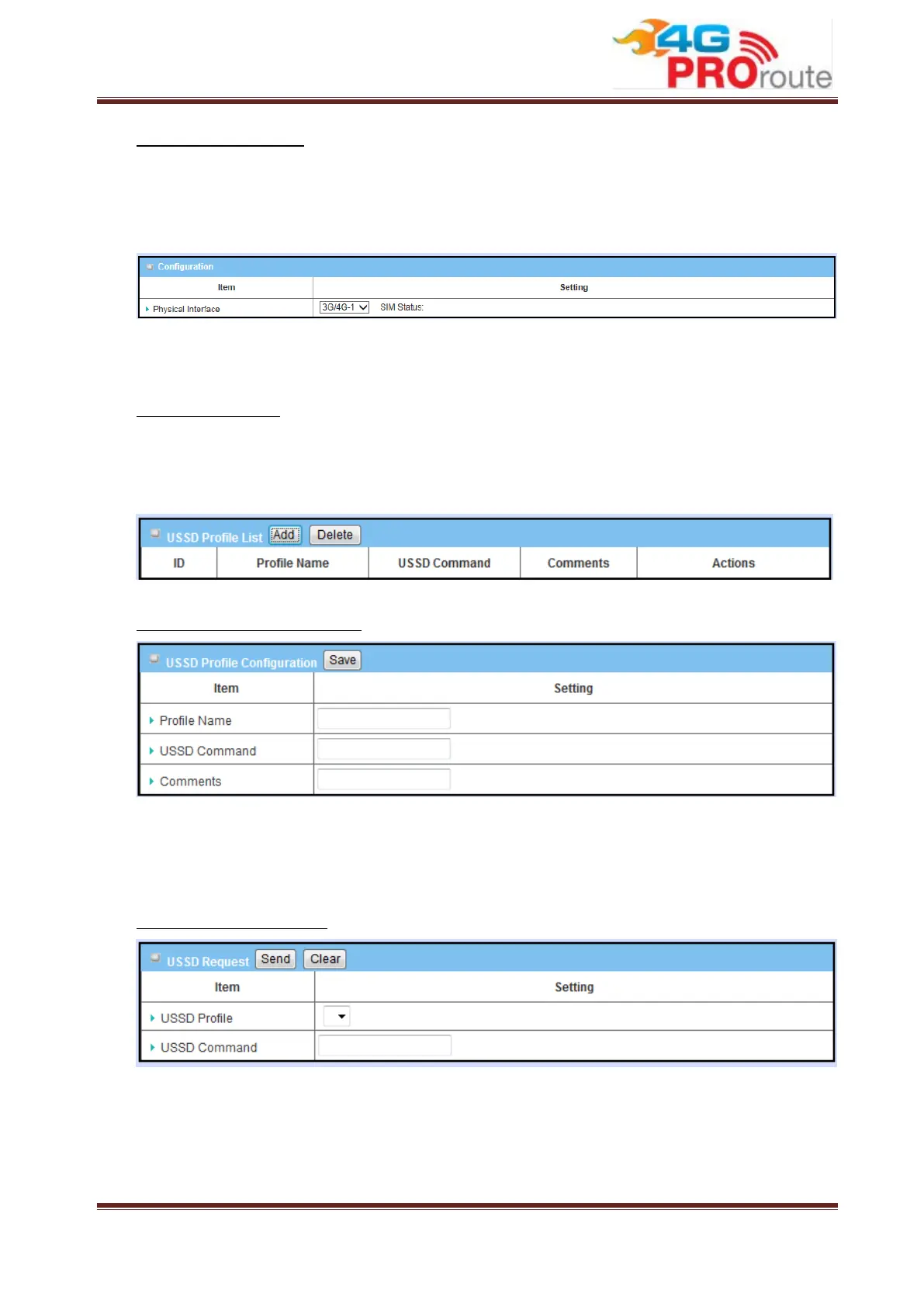
You can compose a USSD message, and sends it to the service provider, where it is
received by a computer dedicated to USSD. The answer from this computer is sent
back to this device, but it is usually with a very basic presentation.
1. Physical Interface: Indicate which 3G/LTE modem is used for USSD feature.
And SIM Status indicates which SIM card is used for USSD feature.
USSD Profile List
You can edit USSD profile for some common used command. Press “Add” button to
add new profile. And select some existed profiles to delete by clicking on “Delete”
button.
USSD Profile Configuration
1. Profile Name: Indicate name of this profile.
2. USSD Command: Type USSD command of this profile.
3. Comments: Add comments for this profile.
Send USSD Command
You can select USSD command from existed profile or type command manually.
Then press “Send” button to send out USSD command.
3.3.1.3 Network Scan



 To Next Page