Proroute GEM420 4G M2M Router
GEM420 User Manual 101
3.2.1.2.1 Configuration
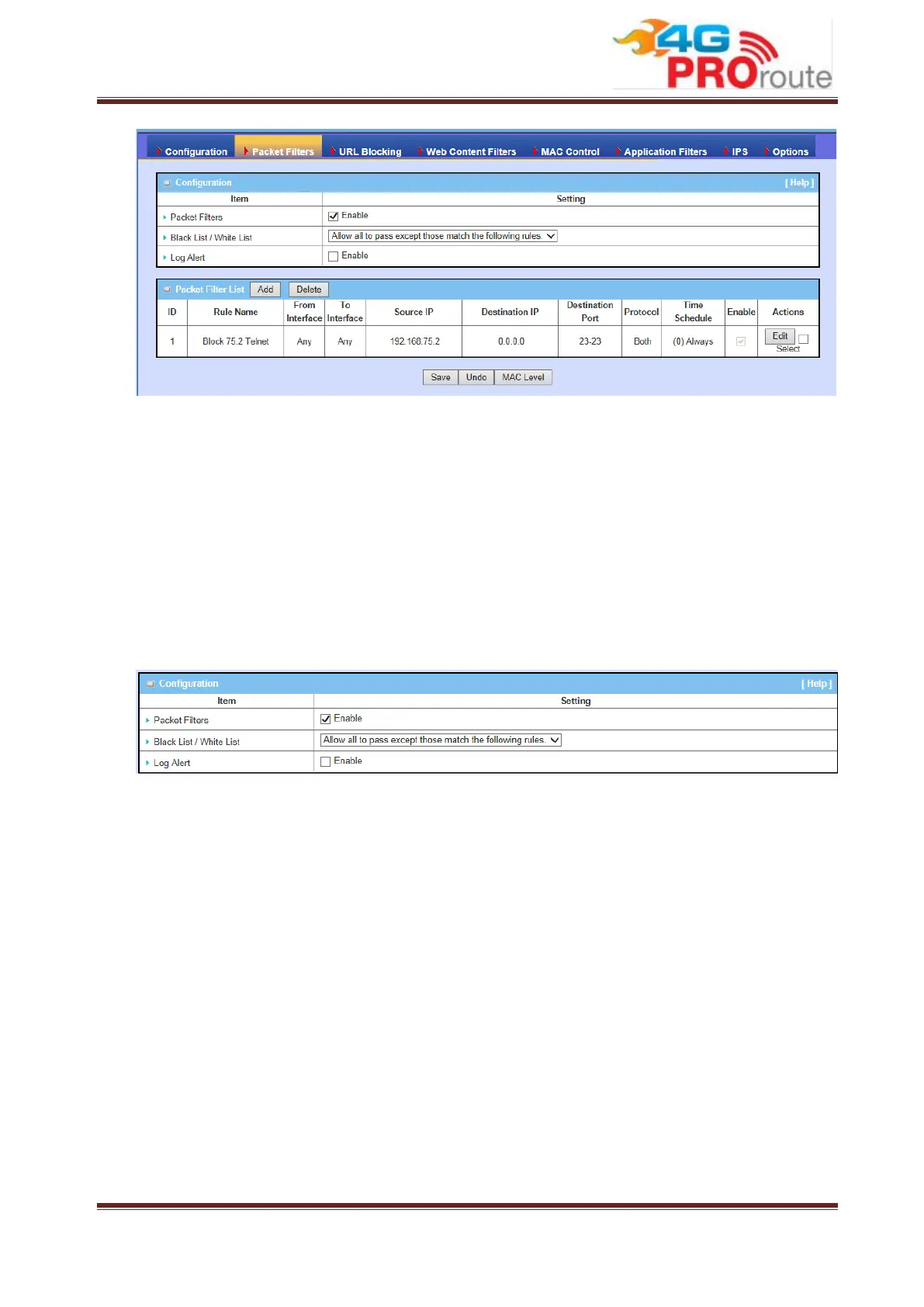
You can enable packet filter function here. And select one of the two filtering policies
as follows. The first one is to define the black list. System will block the packets that
match the active filter rules. However, the second one is the white list. System will
allow the packets to pass the gateway, which match the active filter rules.
1. Allow all to pass except those match the specified rules. (Black List)
2. Deny all to pass except those match the specified rules. (White List)
Besides, you also can enable the log alerting so that system will record packet
blocking events when filter rules are fired. At the right upper corner of screen, one
“[Help]” command let you see the on-line help message about Packet Filter function.
3.2.1.2.2 Packet Filter List
It is a list of all packet filter rules. You can add one new rule by clicking on the “Add”
command button. But also you can modify some existed packet filter rules by clicking
corresponding “Edit” command buttons at the end of each filter rule in the Packet
Filter List. Besides, unnecessary rules can be removed by checking the “Select” box
for those rules and then clicking on the “Delete” command button at the Packet Filter
List caption.



 To Next Page