Proroute GEM420 4G M2M Router
GEM420 User Manual 111
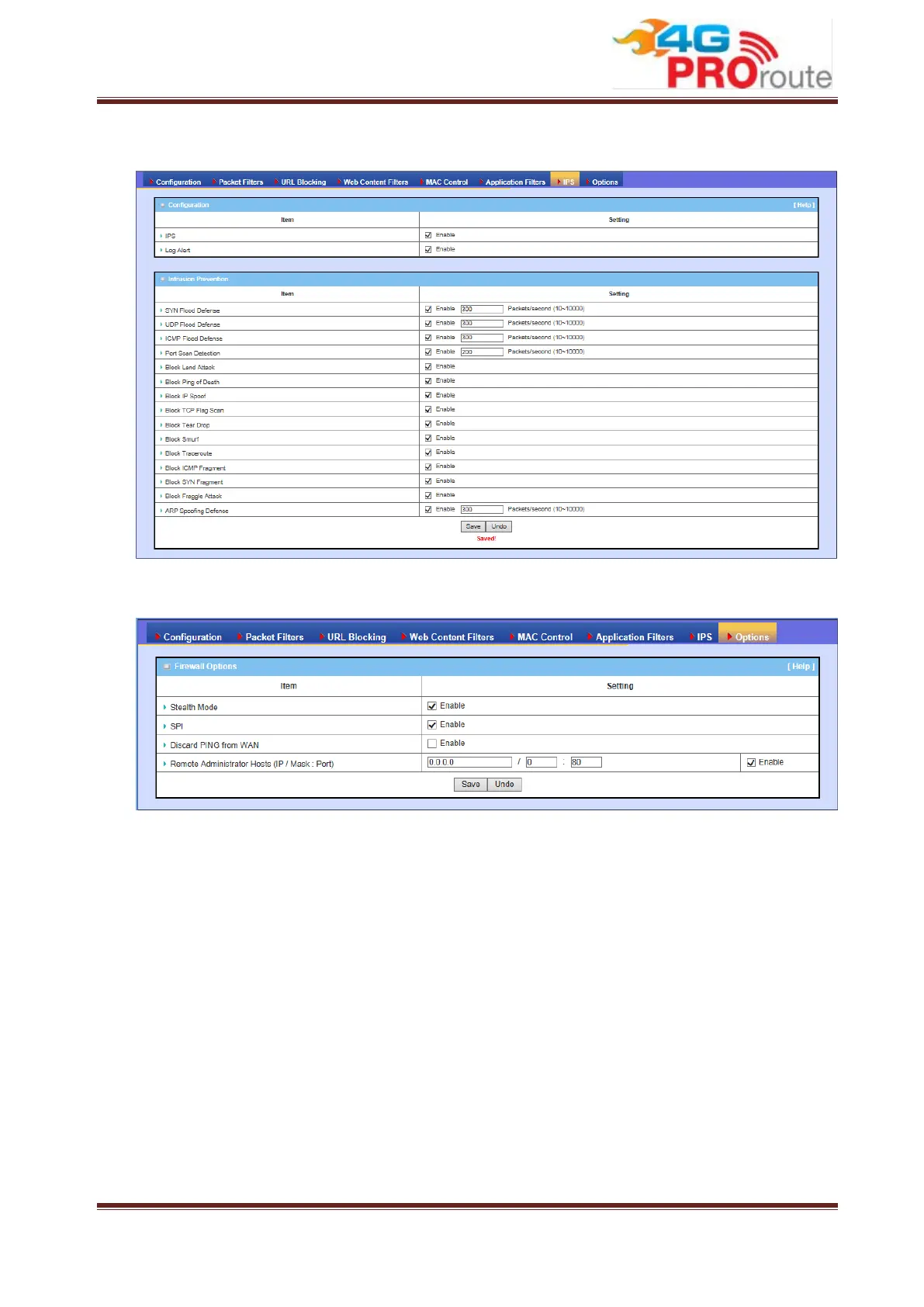
system will record Intrusion events when corresponding intrusions are detected.
3.2.1.8 Options
1. Stealth Mode: Enable this feature, this device will not respond to port scans from
the WAN so that makes it less susceptible to discovery and attacks on the
Internet.
2. SPI: When this feature is enabled, the router will record the outgoing packet
information pass through the router like IP address, port address, ACK, SEQ
number and so on. And the router will check every incoming packet to detect if this
packet is valid.
3. Discard PING from WAN: If this feature is enabled, this gateway won’t reply any
ICMP request packet from WAN side. It means any remote host can’t get
response when “ping” to this gateway. “Ping” is a useful command that we use to
detect if a certain host is alive or not. But it also let hacker know about this.
Therefore, many Internet servers will be set to ignore IGMP request.
4. Remote Administrator Hosts (IP / Mask : Port): In general, only local clients



 To Next Page