Proroute GEM420 4G M2M Router
GEM420 User Manual 14
2.1.3 Connecting Power
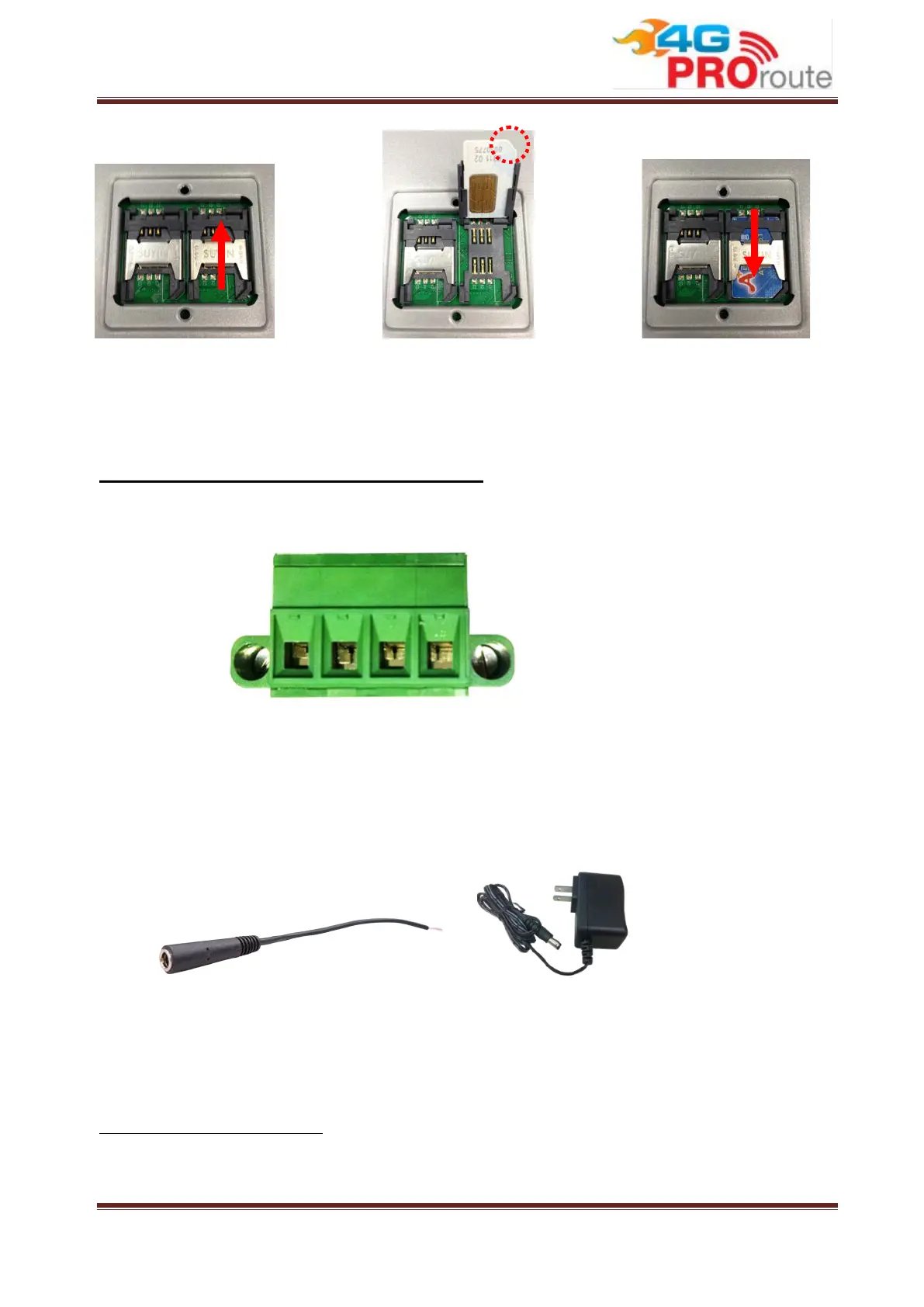
The GEM420 series can be powered by connecting a power source to the terminal block.
It supports dual 9 to 48VDC power inputs
3
. Following picture is the power terminal
block pin assignments. Please check carefully and connect to the right power
requirements and polarity.
There are a DC converter and a DC12V/2A power adapter in the package for you to easily
connect DC power adapter to this terminal block.
2.1.4 Connecting to the Network or a Host
The GEM420 series provides four RJ-45 ports to connect 10/100Mbps Ethernet. It can
3 If both of power source 1 and power source 2 are connected, the device will choose power source 1 first. If power
outage occurred from power source 1, this device will switch to power source 2 automatically and seamlessly.



 To Next Page