Proroute GEM420 4G M2M Router
GEM420 User Manual 63
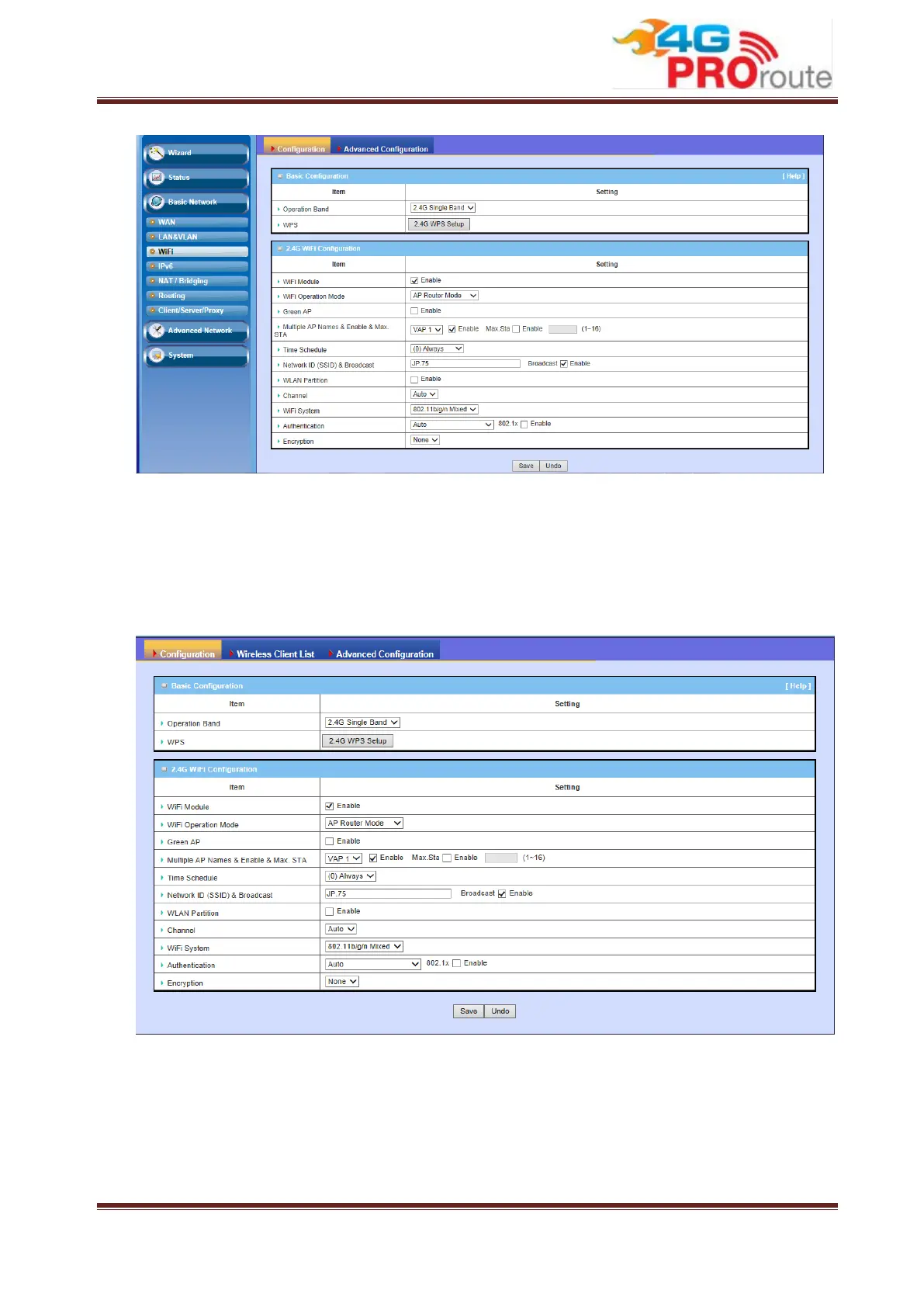
3.1.3.1 WiFi Configuration
This device is equipped with IEEE802.11b/g/n 2Tx2R wireless radio, you have to
configure 2.4G Hz operation band’s wireless settings and then activate your WLAN.
There are several wireless operation modes provided by this device. They are: “AP
Router Mode”, “WDS Hybrid Mode”, and “WDS Only Mode”. You can choose the
expected mode from the wireless operation mode list.
3.1.3.1.1 AP Router Mode



 To Next Page