Proroute GEM420 4G M2M Router
GEM420 User Manual 161
Tracert Test
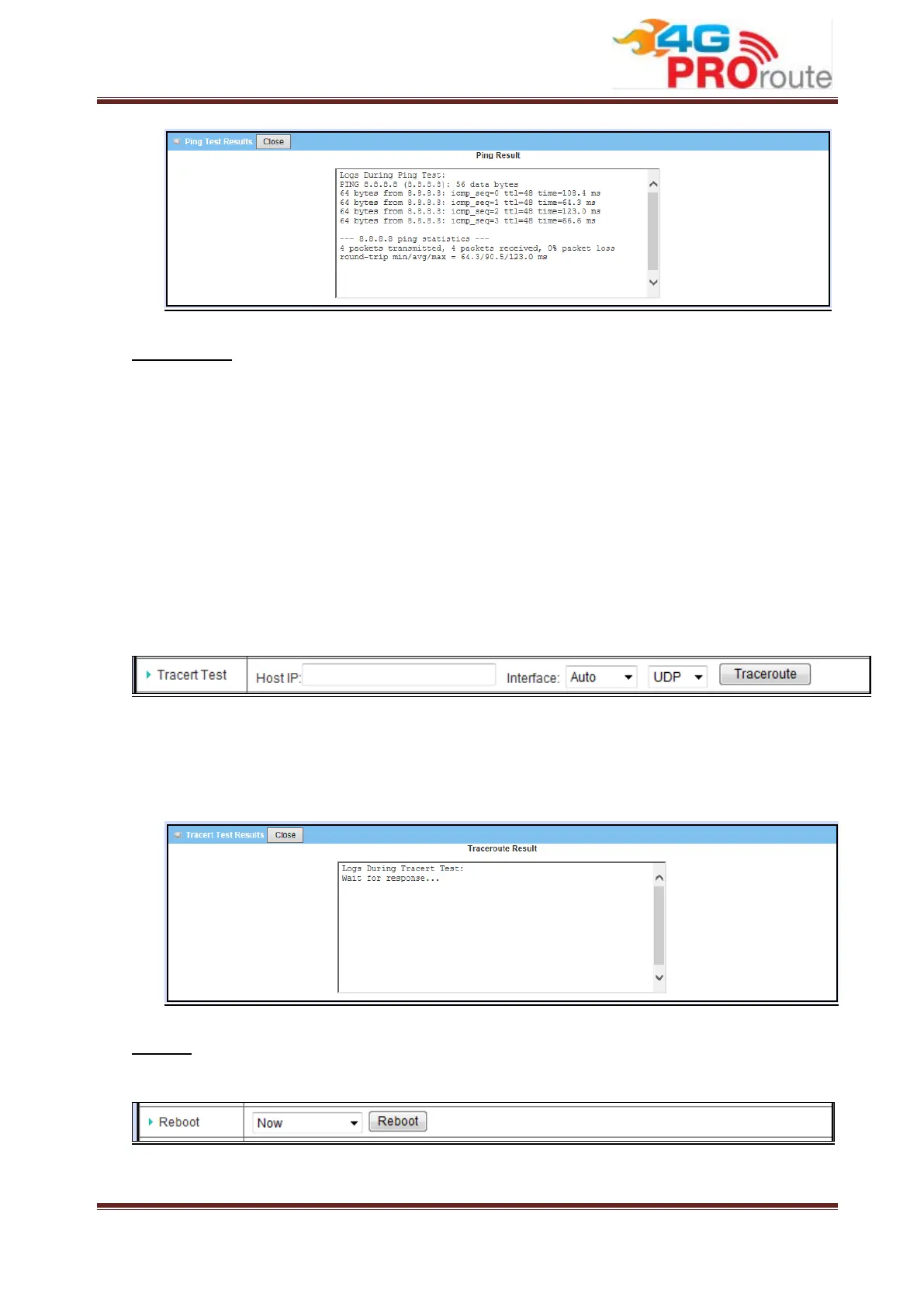
Traceroute is a network diagnostic tool for displaying the route (path) and measuring
transit delays of packets across an IP network. Traceroute proceeds unless all (three)
sent packets are lost more than twice, then the connection is lost and the route cannot
be evaluated. Ping, on the other hand, only computes the final round-trip times from
the destination point. First, you need to specify an IP / FQDN, the test interface and
used protocol number. Used protocol number is either “UDP” or “ICMP”, and by
default, it is “UDP”. Then, system will try to trace the specified device to test whether it
is alive after clicking on the “Traceroute” button. A test result window will appear
beneath it. There is a “Close” command button there can let the test result windows
disappear.
1. Host IP: Input the IP address of destination host.
2. Interface: Choose which WAN interface will be used for Tracert test.
3. Ping button: Start Tracert test and system will show the Tracert Test Results
window as below. Close the window by clicking on the “Close” button.
Reboot
You can reboot this device immediately by clicking the “Reboot” button.
Or you can also set time schedule to do reboot periodically.



 To Next Page