Proroute GEM420 4G M2M Router
GEM420 User Manual 48
period, this gateway will record this keep alive is failed.
Latency Threshold: Set acceptance of response time. This gateway will
record this keep-alive check is failed if the response time of replied packet is
longer than this setting.
Fail Threshold: Times of failed checking. This WAN connection will be
recognized as broken if the times of continuous failed keep-alive checking
equals to this value.
Target1/Target2: Set host that is used for keep alive checking. It can be
DNS1, DNS2, default Gateway, or other host that you need to input IP
address manually.
11. IGMP: Enable or disable multicast traffics from Internet. You may enable as
auto mode or select by IGMP v1, IGMP v2, IGMP v3 or Auto.
12. WAN IP Alias: In some cases, ISP will provide you another fixed IP address
for management purpose. You can enter that IP address in this field.
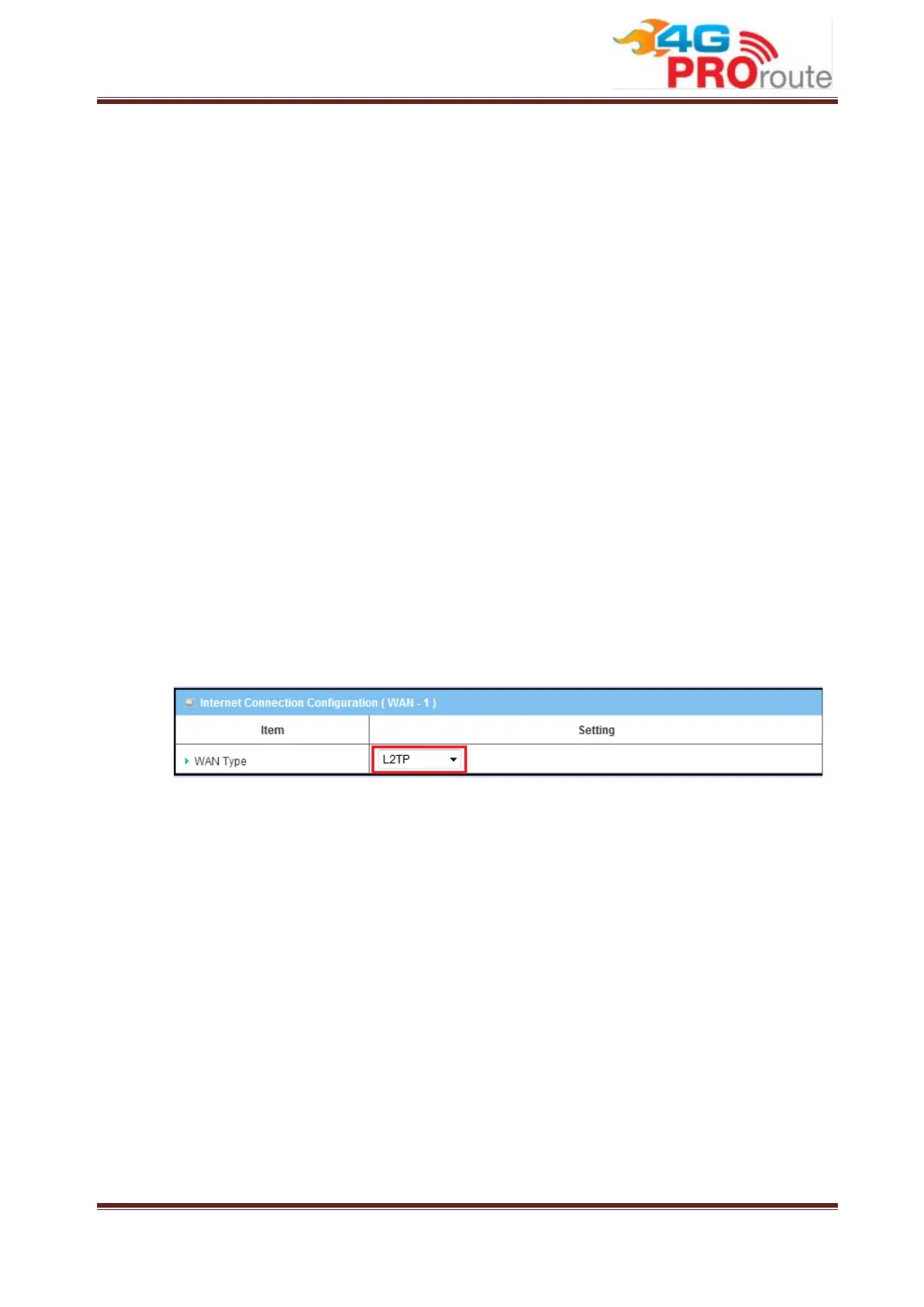
3.1.1.2.2.5 L2TP
Choose L2TP (Layer 2 Tunneling Protocol) if your ISP used a L2TP connection.
Your ISP will provide you with a username and password.



 To Next Page