OPTALIGN smart RS5 BT handbook
32
4.4 Wireless measurement
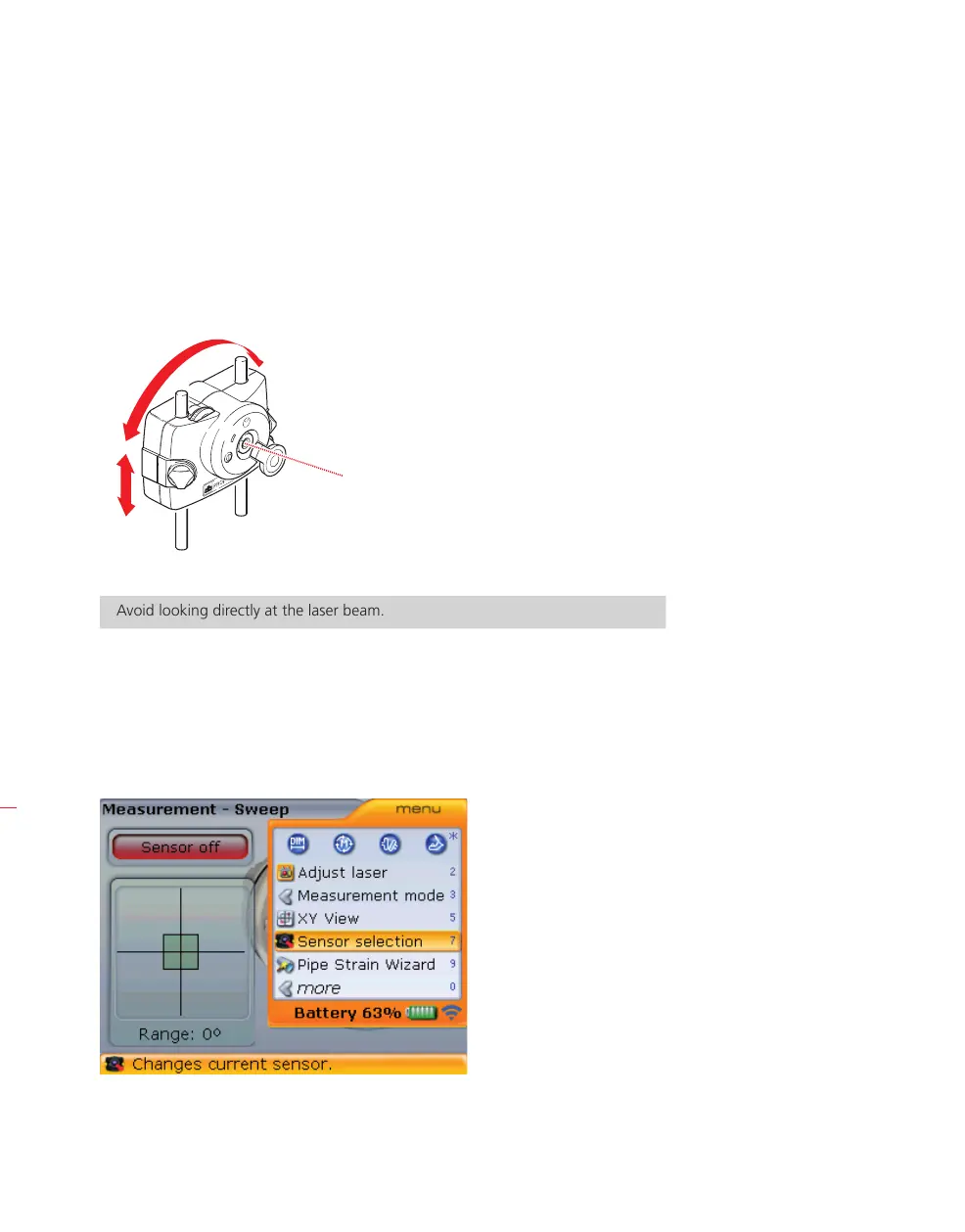
Initially switch the laser on by pressing its On/Off push button switch. Open the laser
aperture and then adjust the laser beam onto the sensor dust cap center by repo-
sitioning the components vertically by moving them along the support posts, and
horizontally by loosening the compact chain-type bracket.
Avoid looking directly at the laser beam.
When the laser beam is centered on the sensor dust cap, tighten brackets and
components.
Now press
m to access the “Measurement screen”. When in “Measurement”
screen, press
q then use f/g to highlight the context menu item ‘Sensor
selection’.
Refer to section 5.9. for
details on laser beam
adjustment.
Laser
s
WARNING



 To Next Page