53
3. Other settings
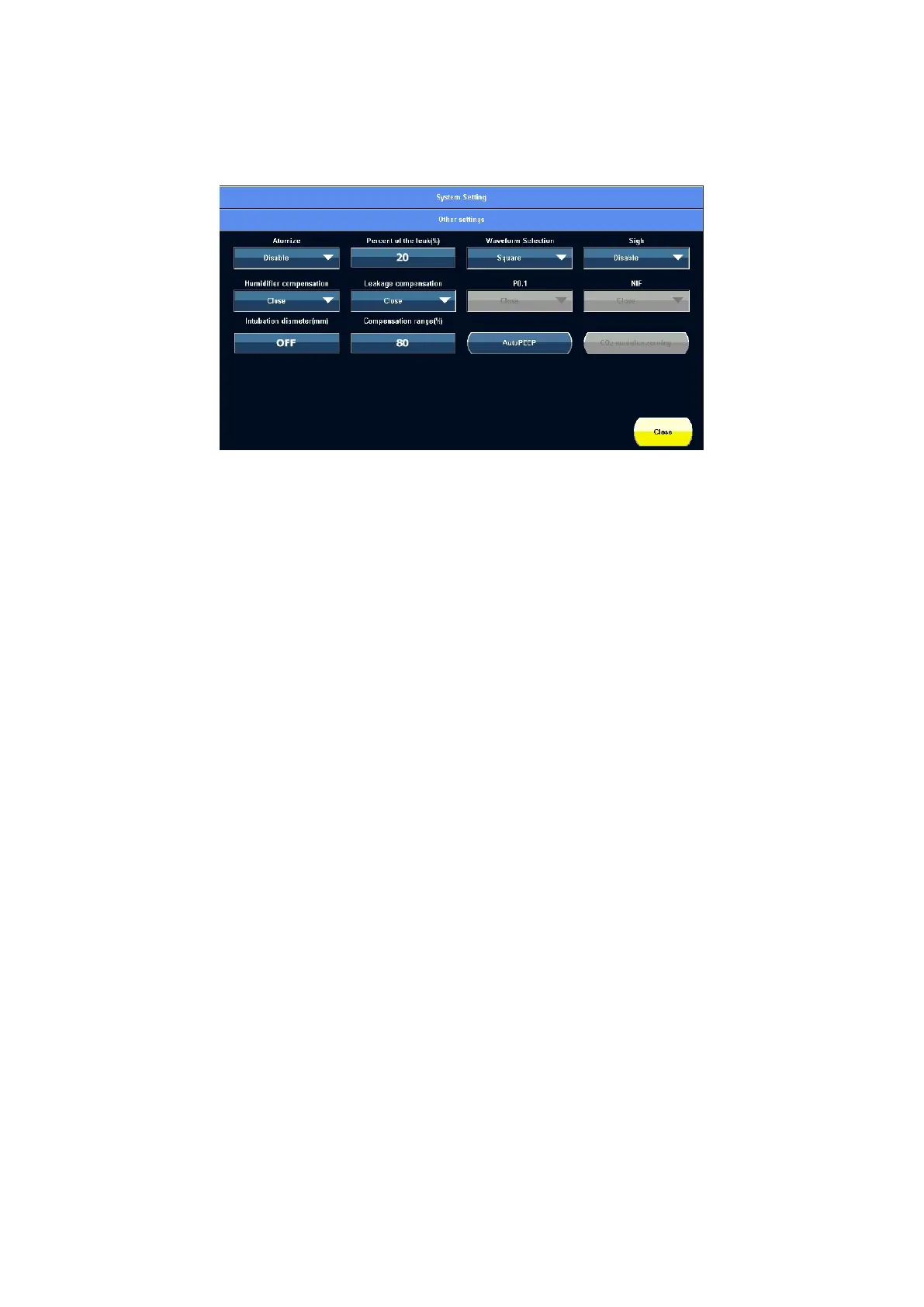
Touch 【Other settings】to access the other settings screen. It shown as below.
Figure 5-11 Other settings screen view
1) Atomize
Touch the option frame and select “Disable”, “10 minutes”, “20 minutes” or “30 minutes” in
the drop-down menu.
When O
2
supply is connected to the system and a nebulizer is attached to the ventilator,
and the minimum flow is more than 10 L/min, after the nebulization button is pressed, the
ventilator will automatically supply 7L/min (±0.5L/min) gas to the patient in inspiration
phase, and the nebulization time can be selected in 10min, 20min and 30min (in system
setting screen). You may end the nebulization period early by pushing the nebulization
button again.
Note: When connecting nebulizer, it need install bacterium filter onto expiration end.
2) Percent of the leak
Touch the option frame and select the percent of the leak (Range:20~80%).
When the system occurs leak, for example: ( V
TI
- V
TE
)/V
TI
> set leak percent, 【System
leakage!!! Please check the breathing tubes and expiratory valve. 】 alarm is activated.
Default setting: 20%.
3) Waveform Selection
Waveform type can be set in VCV mode, SIMV+VCV mode and SPONT mode(Backup
ventilation: VCV).
Touch the【Waveform Selection】option frame to select 【Square】 or 【Degressive】 in



 To Next Page