5.
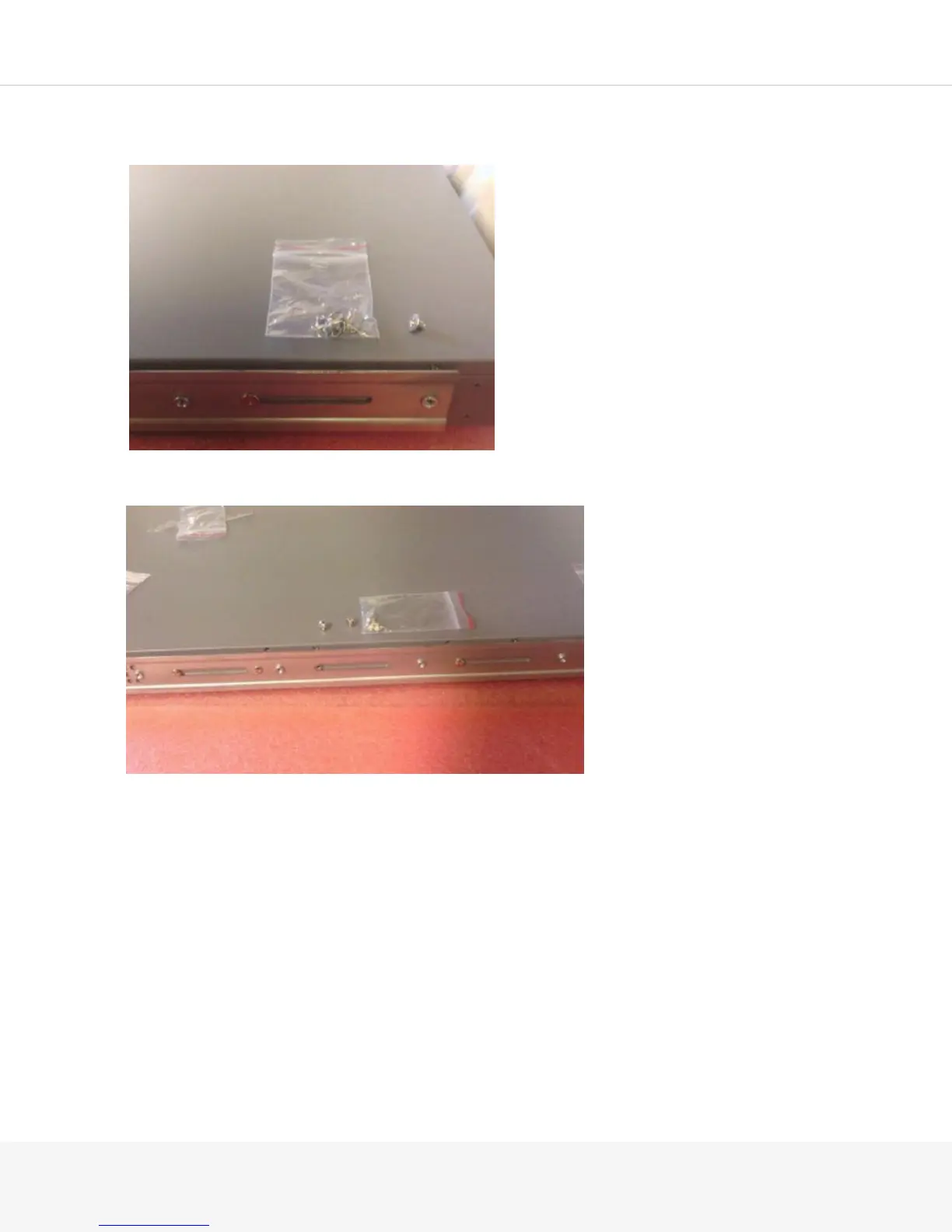
Attach the rear of the front rail using one of the flat-head M4 screws. You must use an M4 screw to
allow the rear rail to slide smoothly onto the front rail.
6.
Using the medium-sized screws, secure the remainder of the front rail to the Pulse Secure Gateway.
NOTE: Use the screws on the recessed portion of the front rail. Do not use the holes that protrude as those
are for securing the rear rail.



 To Next Page