Using the MAG-RK1U Mounting Kit
The MAG-RK1U mounting kit contains the hardware for rail-mounting your MAG 6610 1-U Pulse Secure
Gateway.
The kit includes:
•
2 front rails
•
2 rear rails
•
10 flat-head M4 screws
•
10 medium round-head screws
•
4 flat-head 6-32 screws
The MAG-RK1U package also includes a mid-ear mounting kit.
To attach your Pulse Secure Gateway to the MAG-RK1U mounting kit:
1.
Remove all contents from the packaging and separate the front rails from the rear rails.
2.
Place the Pulse Secure Gateway on a flat, stable surface.
3.
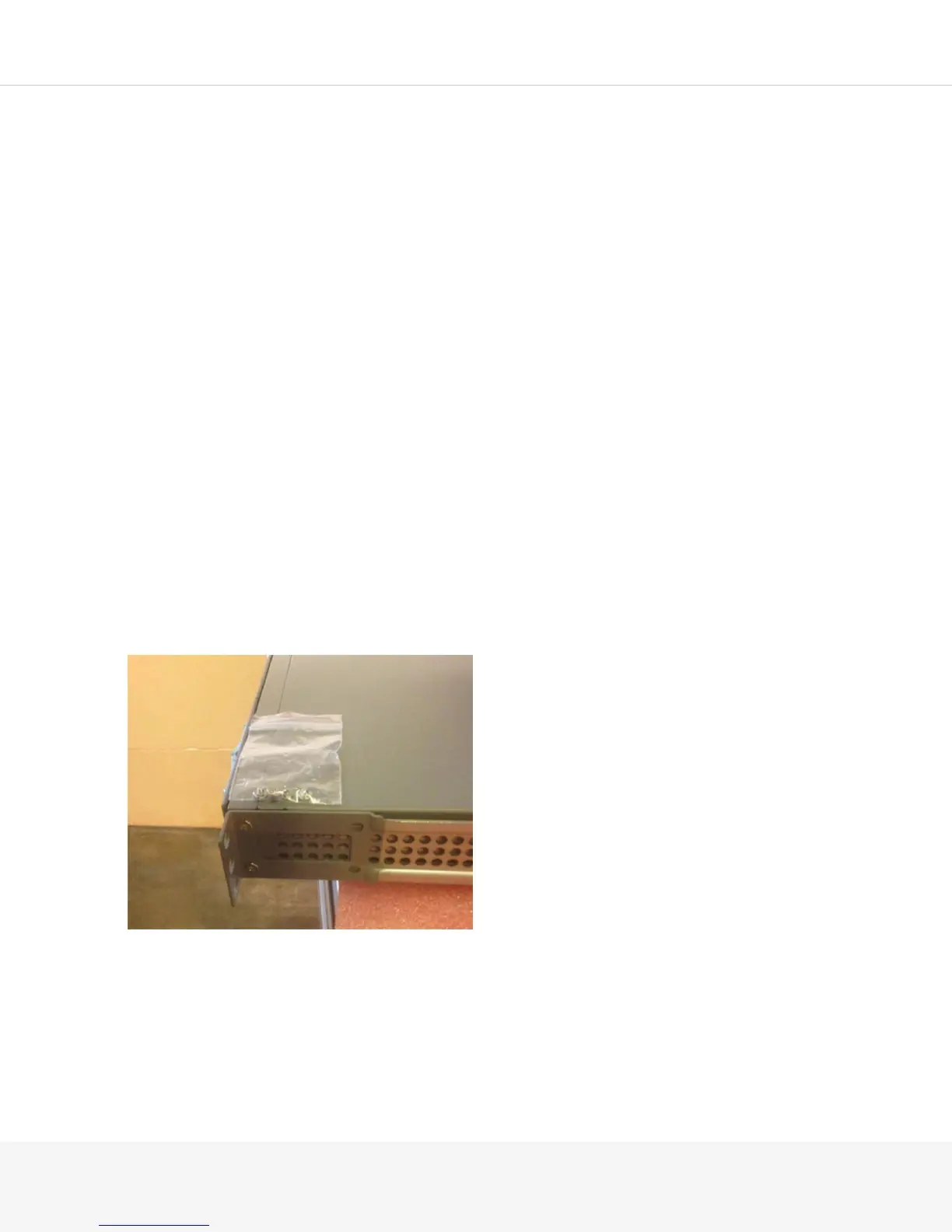
Line up the gray ears on the front rails with the front of the Pulse Secure Gateway. The two screw holes
on the front side of the Pulse Secure Gateway should line up with the front rail.
4.
Secure the front rail to the front of the Pulse Secure Gateway using two of the flat-head 6-32 screws.



 To Next Page