7.
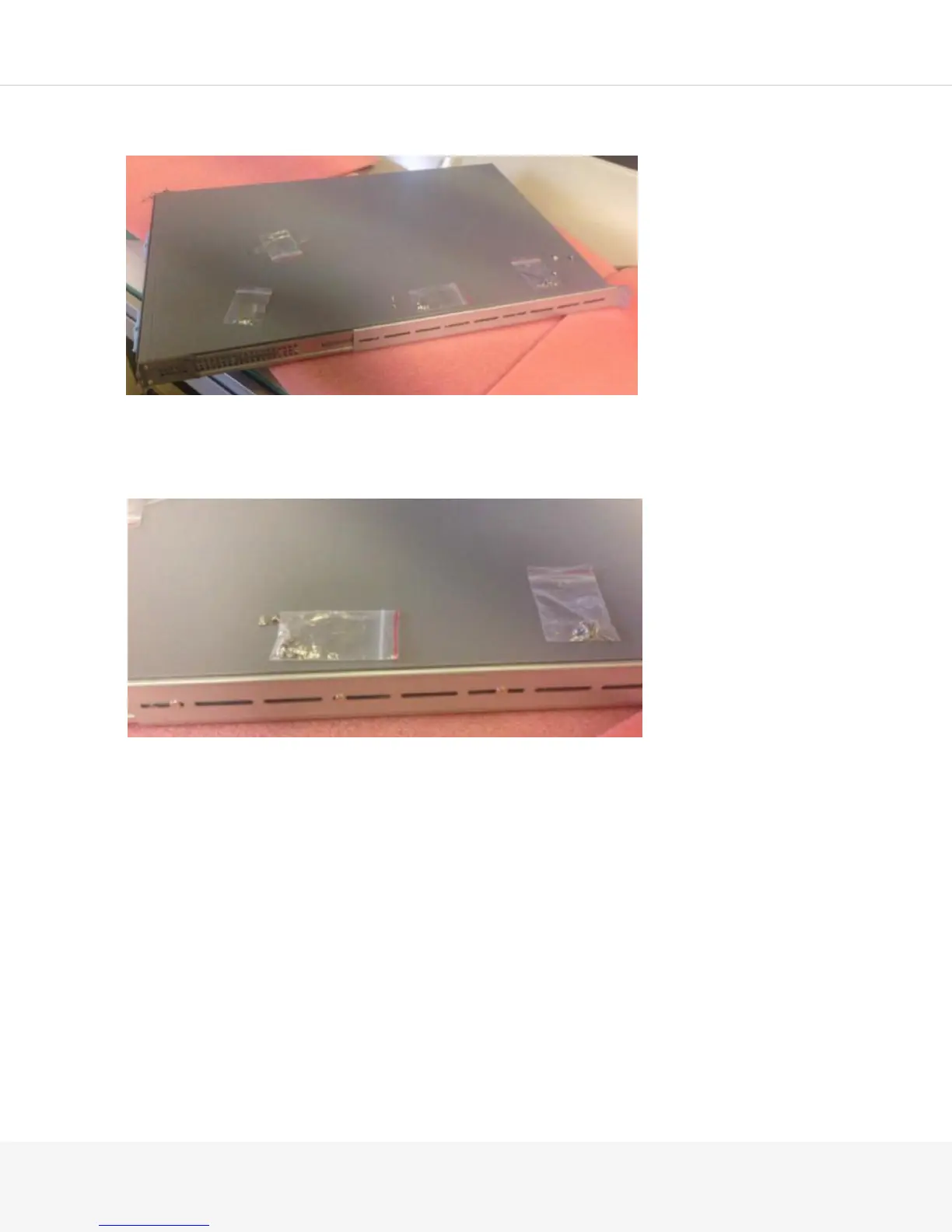
Slide the rear rail onto the front rail. The ear of the rear rail should be facing the rear of the Pulse
8.
Measure your rack or cabinet to determine the distance between the ear on the front rail and the ear
on the back rail and adjust your rear rail accordingly.
9.
Secure the rear rail to the front rail using the flat-head M4 screws.
Using the MAG-RK2U Mounting Kit
The MAG-RK2U mounting kit contains the hardware for rail-mounting your MAG6611 2-U Pulse Secure
Gateway.
The kit includes:
•
2 front rails
•
2 rear rails
•
18 round-head M4 screws
•
4 flat-head 6-32 screws



 To Next Page