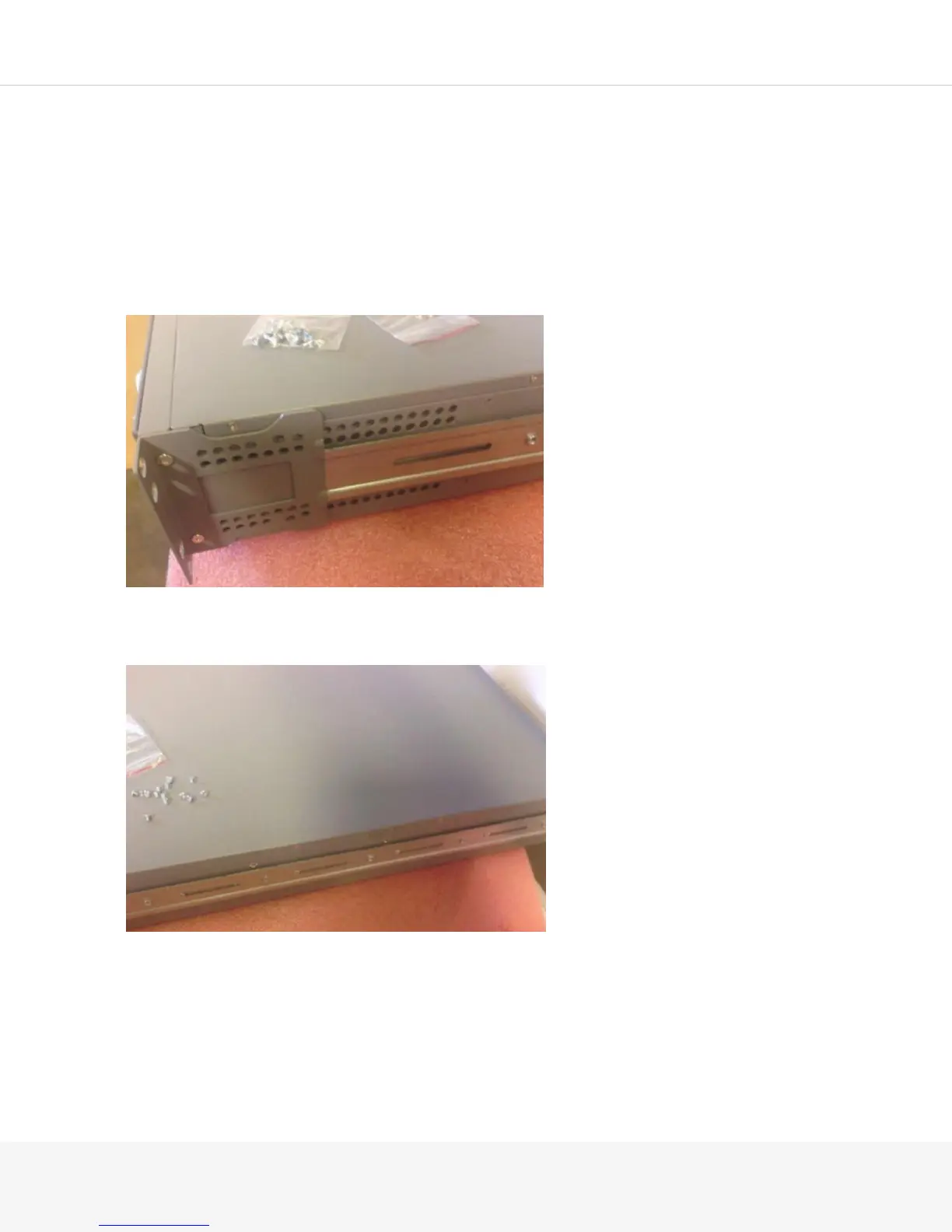
The MAG-RK2U package also includes a mid-ear mounting kit.
To attach your Pulse Secure Gateway to the MAG-RK2U mounting kit:
1.
Remove all contents from the packaging and separate the front rails from the rear rails.
2.
Place the Pulse Secure Gateway on a flat, stable surface.
3.
Line up the gray ears on the front rails with the front of the Pulse Secure Gateway. The two screw holes
on the front side of the Pulse Secure Gateway should line up with the front rail.
4.
Secure the front rail to the front of the Pulse Secure Gateway using two of the flat-head 6-32 screws.
5.
Attach the rear of the front rail using four flat-head M4 screws.
Use the screws on the recessed portion of the front rail. Do not use the holes that protrude as those are
for securing the rear rail.
NOTE: The second recessed slot appears to require two screws, but actually requires only one.



 To Next Page