Mounting on Four Posts in a Rack or Cabinet
You can mount a Pulse Secure Gateway on four posts of a 19-in. rack or cabinet by using the supplied rack-
mount kit. (The remainder of this topic uses “rack” to mean “rack or cabinet.”)
NOTE: If you are mounting the Pulse Secure Gateway on four posts, ensure that the rack is 21.5-in. through
31.5-in. deep if you will mount the Pulse Secure Gateway flush with the rack front and that the rack is 23.5-
in. through 32.5-in. deep if you will mount the Pulse Secure Gateway recessed 2-in. from the rack front, thus
ensuring that the protective earthing terminal is accessible through the opening in the rear bracket.
Before mounting the Pulse Secure Gateway on four posts in a rack:
•
Verify that the site meets the requirements.
•
Place the rack in its permanent location, allowing adequate clearance for airflow and maintenance, and
secure it to the building structure.
•
Read the Security Products Safety Guide located on the Pulse Secure website.
•
Attach the mounting hardware to your Pulse Secure Gateway.
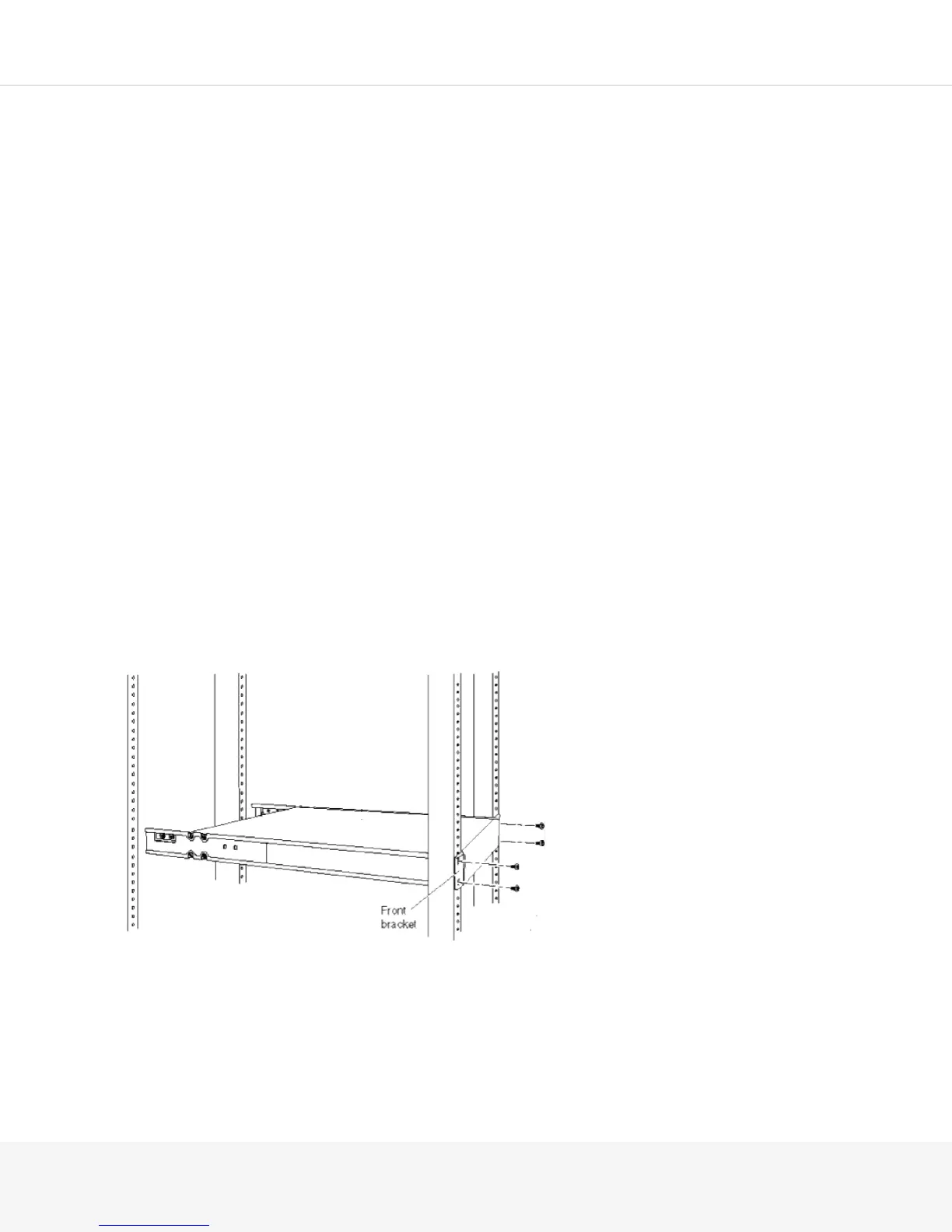
To mount the Pulse Secure Gateway on four posts in a rack:
1.
Have one person grasp both sides of the Pulse Secure Gateway, lift the chassis, and position it in the
rack, aligning the front bracket holes with the threaded holes in the front post of the rack. Align the
bottom hole in both the mounting brackets with a hole in each rack rail, making sure that the chassis is
level.
2.
Have a second person secure the front of the chassis to the rack by using the appropriate screws for
your rack.



 To Next Page